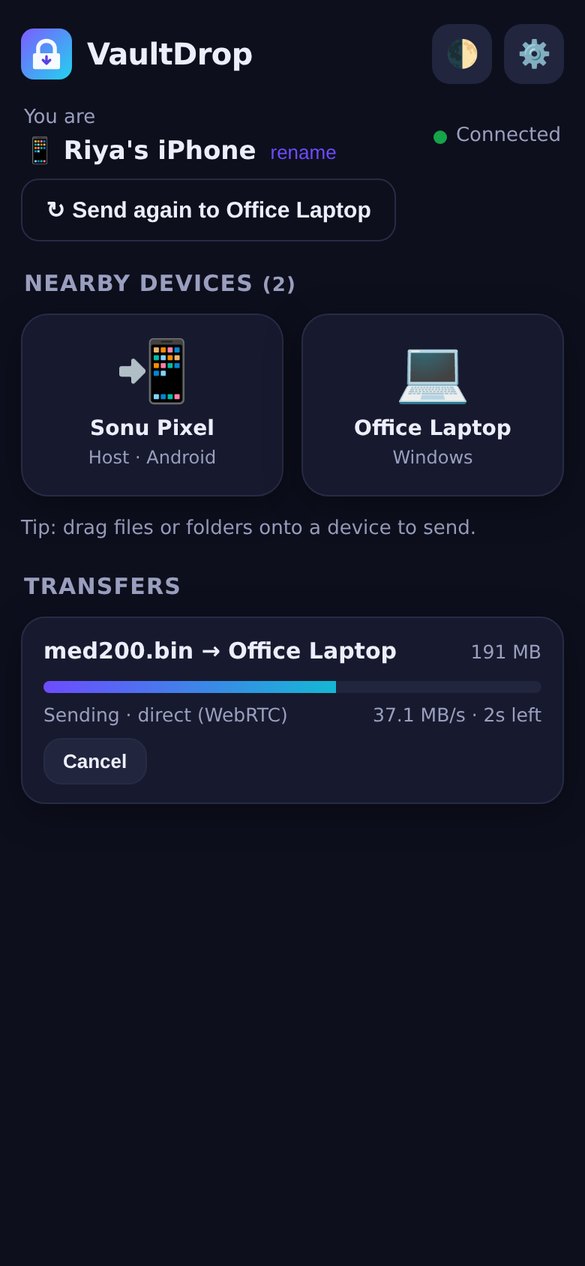
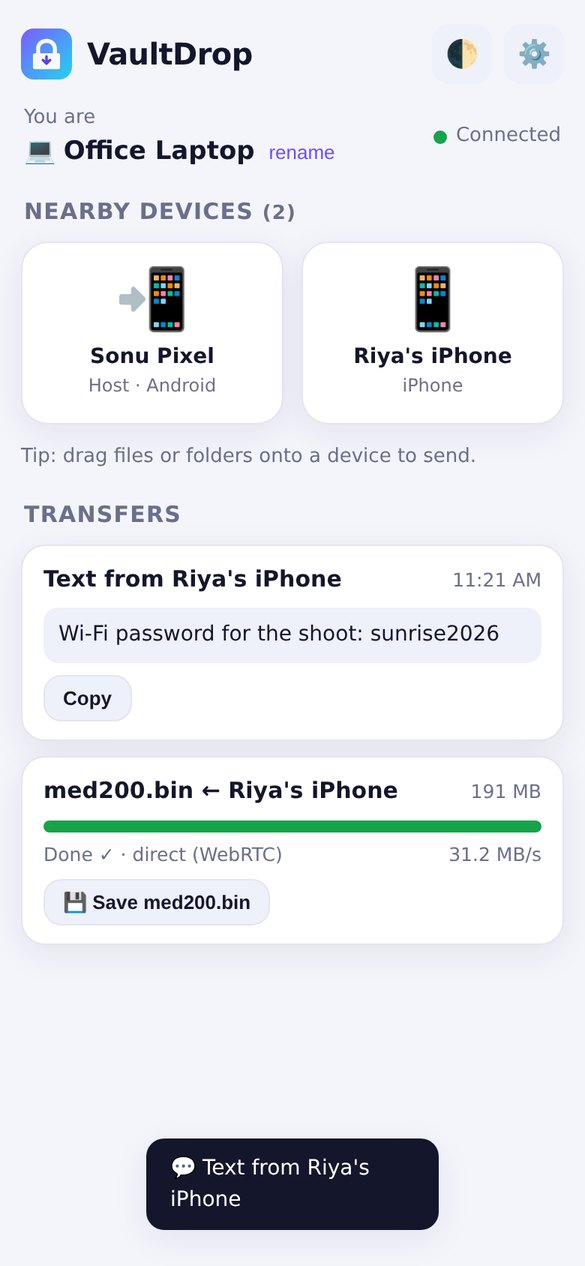
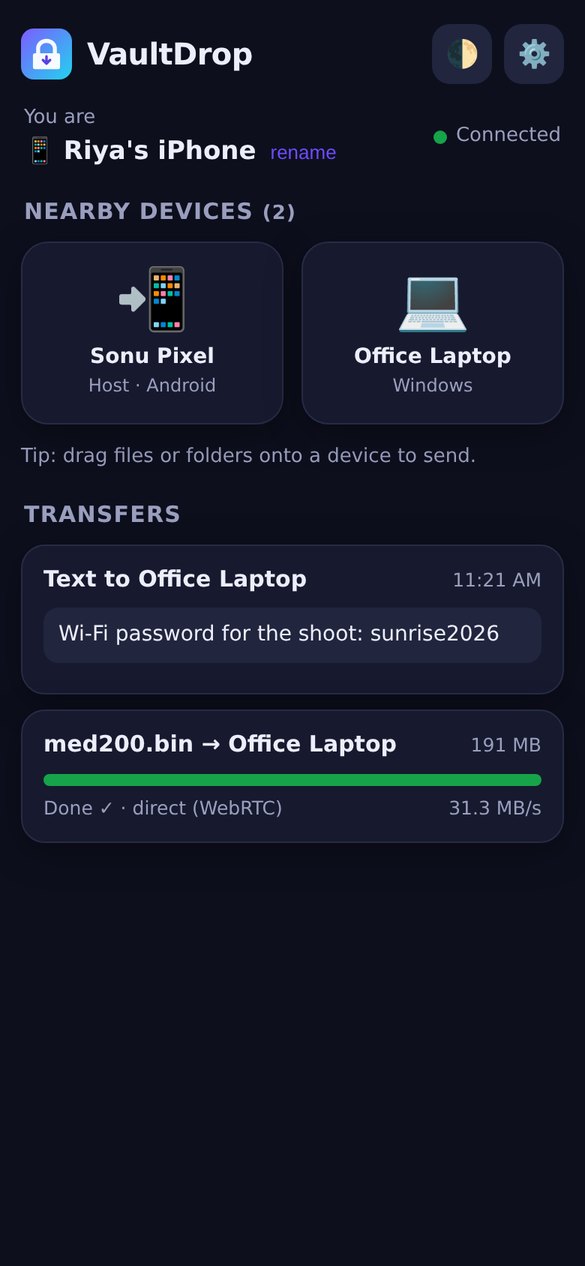
New v1.5.2 · one-tap hotspot on the main screen + one bubble per device
Local AirDrop for every device
Send photos, videos, folders and text between Android, Windows, iPhone, Mac and Linux. Over Wi-Fi or a phone's hotspot, with zero internet, no cloud and no login. Every transfer is end-to-end encrypted.
Android 8+ phones & TVs · 445 KB · Windows 10/11 · 113.0 MB, or Lite: one portable 7.9 MB file iPhone, Mac & Linux: nothing to install, just scan the QR code.
0 MBinternet data used
10 GB+files, streamed to disk
Anyphone or laptop with a browser
E2Eencrypted, every path
What's new in v1.5: Drop Queue 📬, a new design ✨ and app sharing 📦
The biggest update yet. Send to a device even when it's off, a fresh one-screen design on every device, and share installed Android apps like SHAREit, all still fully offline.
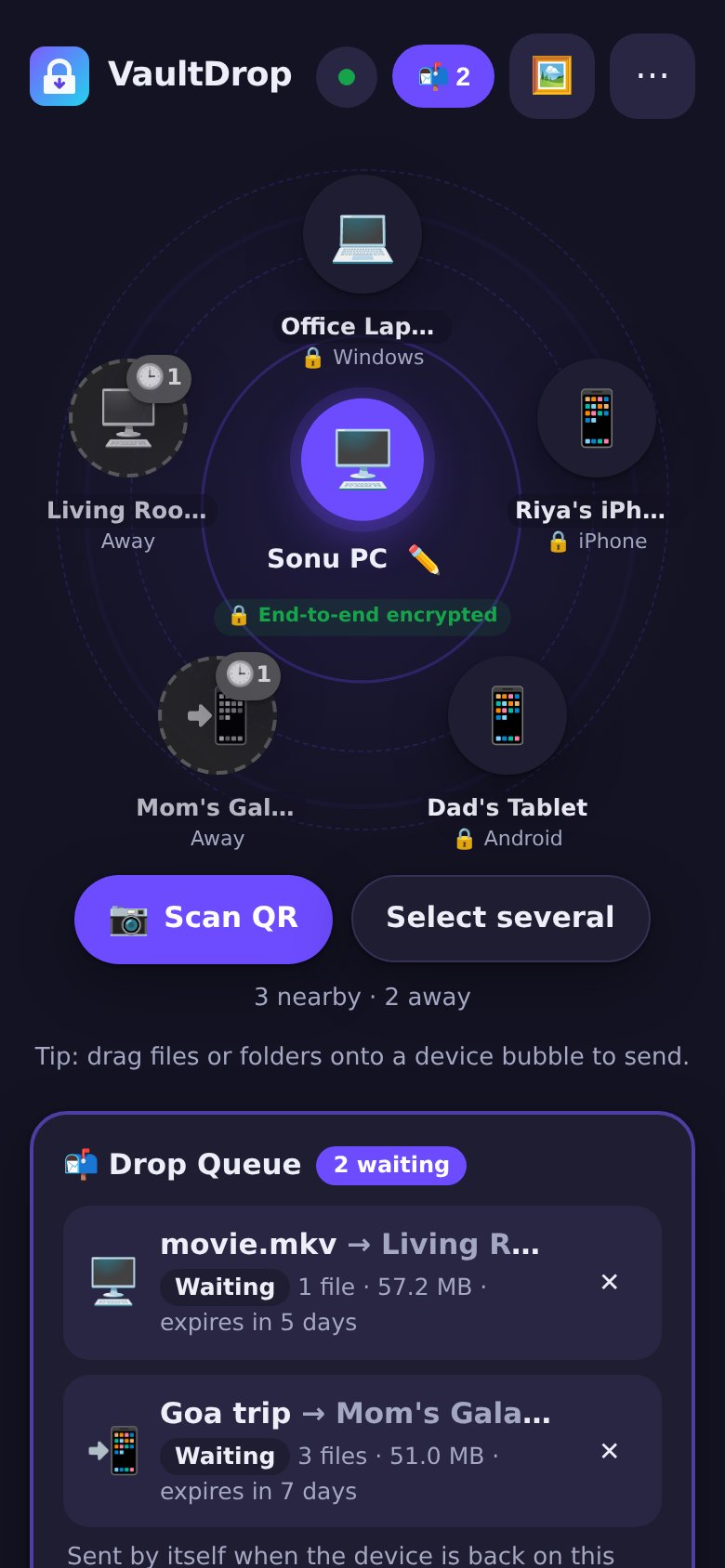
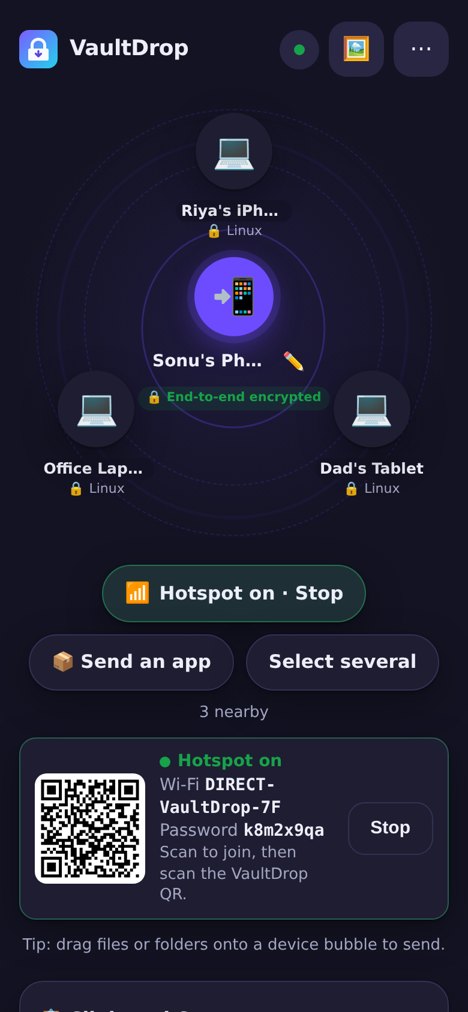
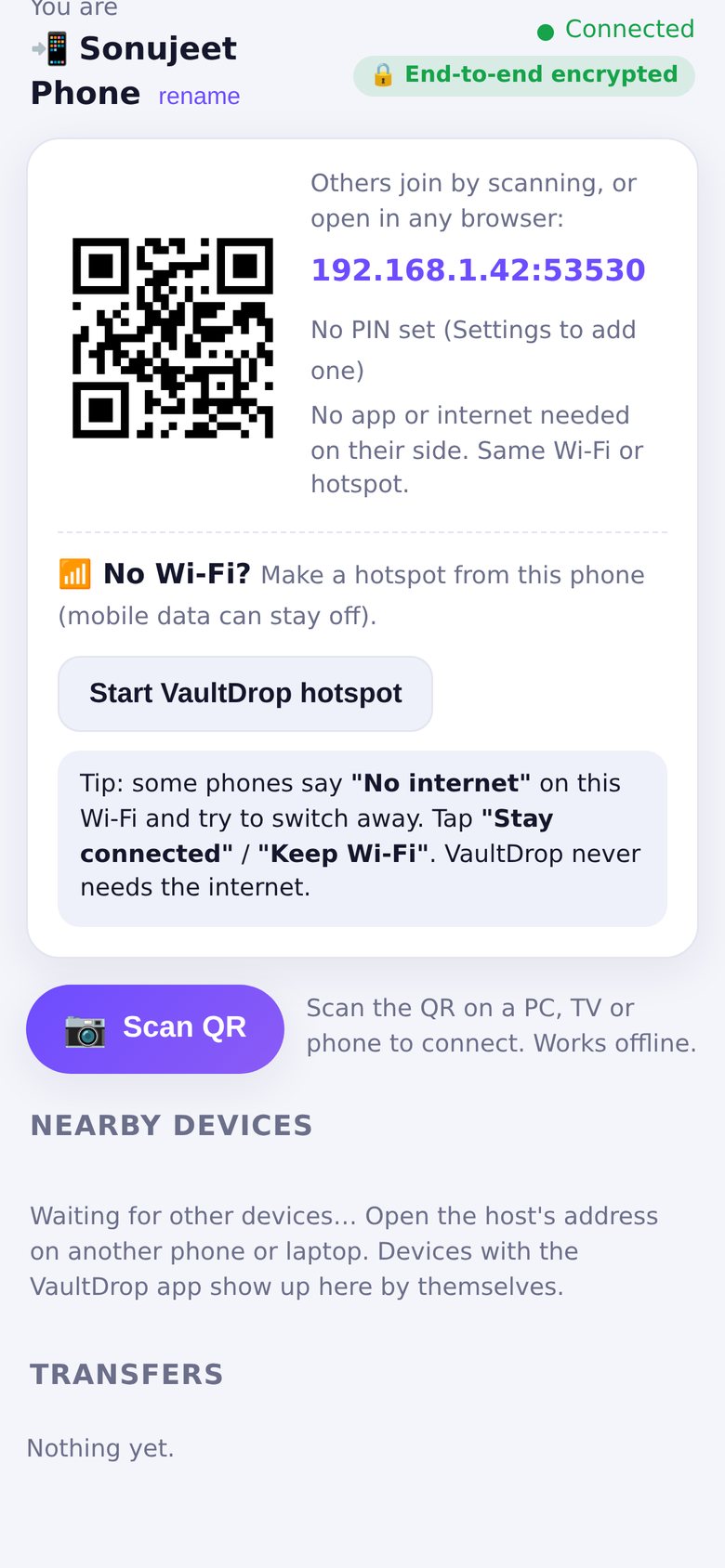
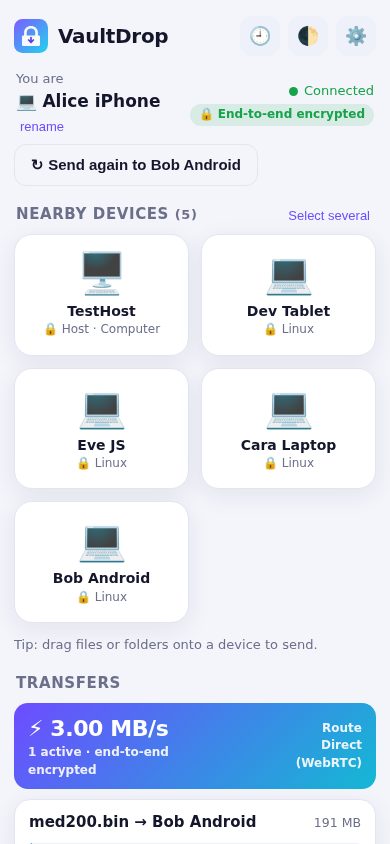
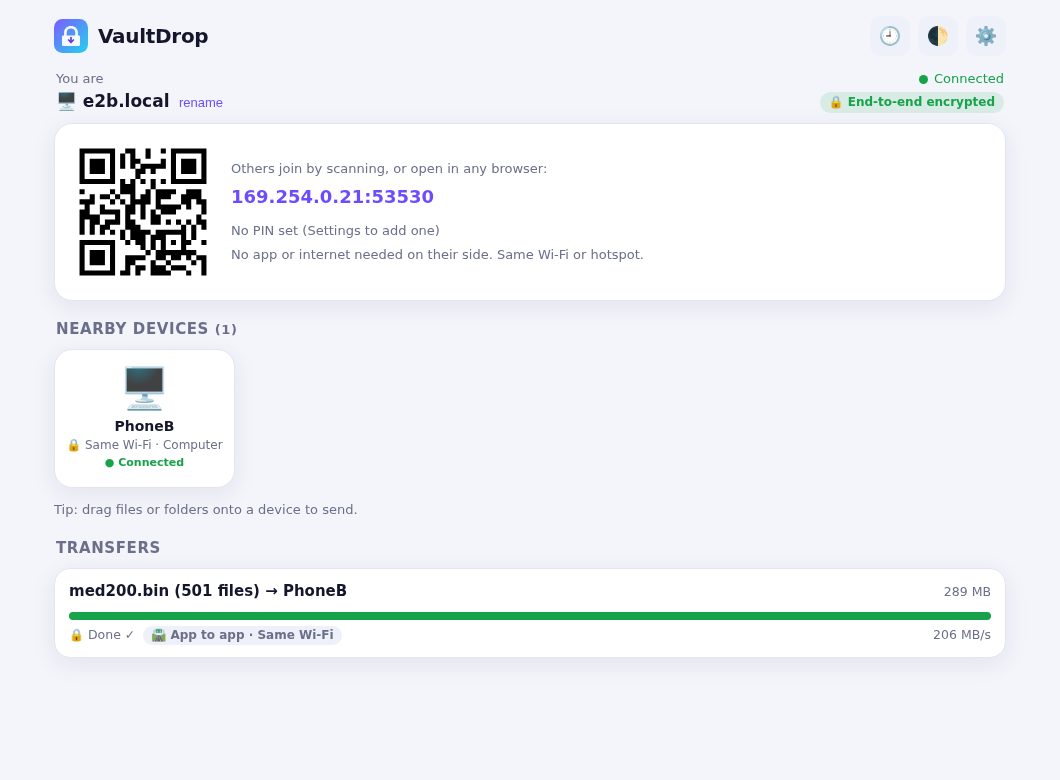
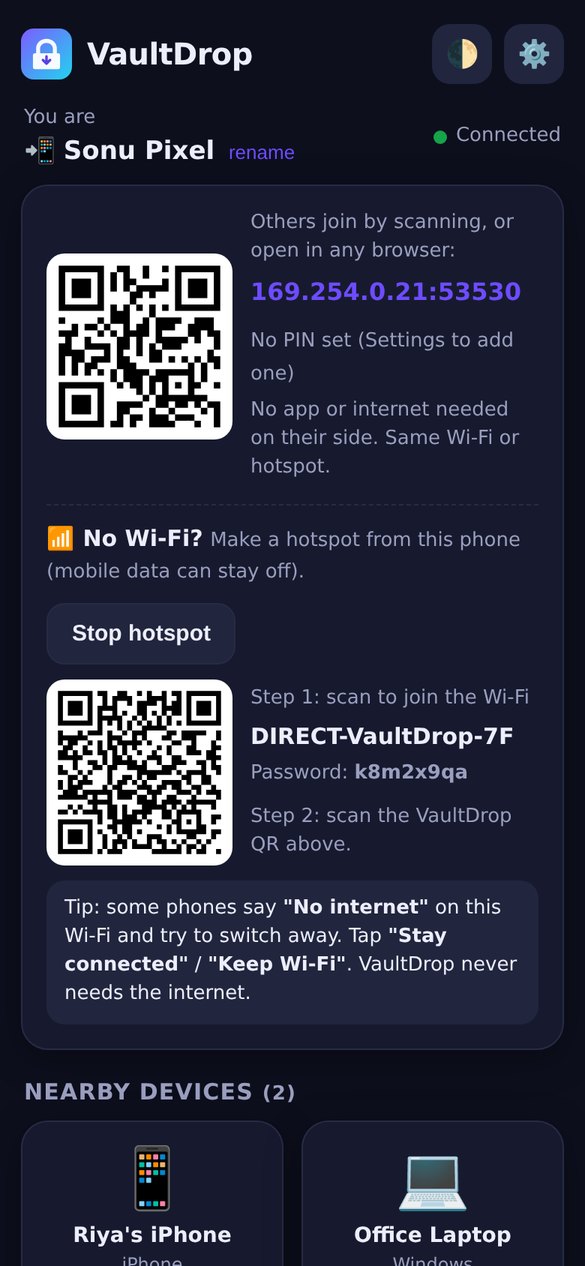
1.5.2 (Oct 31): a one-tap 📶 Start hotspot button on the main screen of the phone app (and the TV), showing the Wi-Fi name, password and QR. And each device is now one bubble: a phone that connects to your PC shows as a live app (not a greyed new device each time), and files you queue for it are delivered as soon as it is back.
New in 1.5.2: one-tap hotspot on the main screen
1.5.1 (Oct 31): bug fixes. A full Drop Queue now says so instead of dropping your oldest waiting files, a damaged queue file is kept aside, Android no longer sends a queued item twice when you tap Retry at the wrong moment, no half-copied files are left behind when the phone is full, and app install only uses the parts listed in an app bundle.
📬
Drop Queue
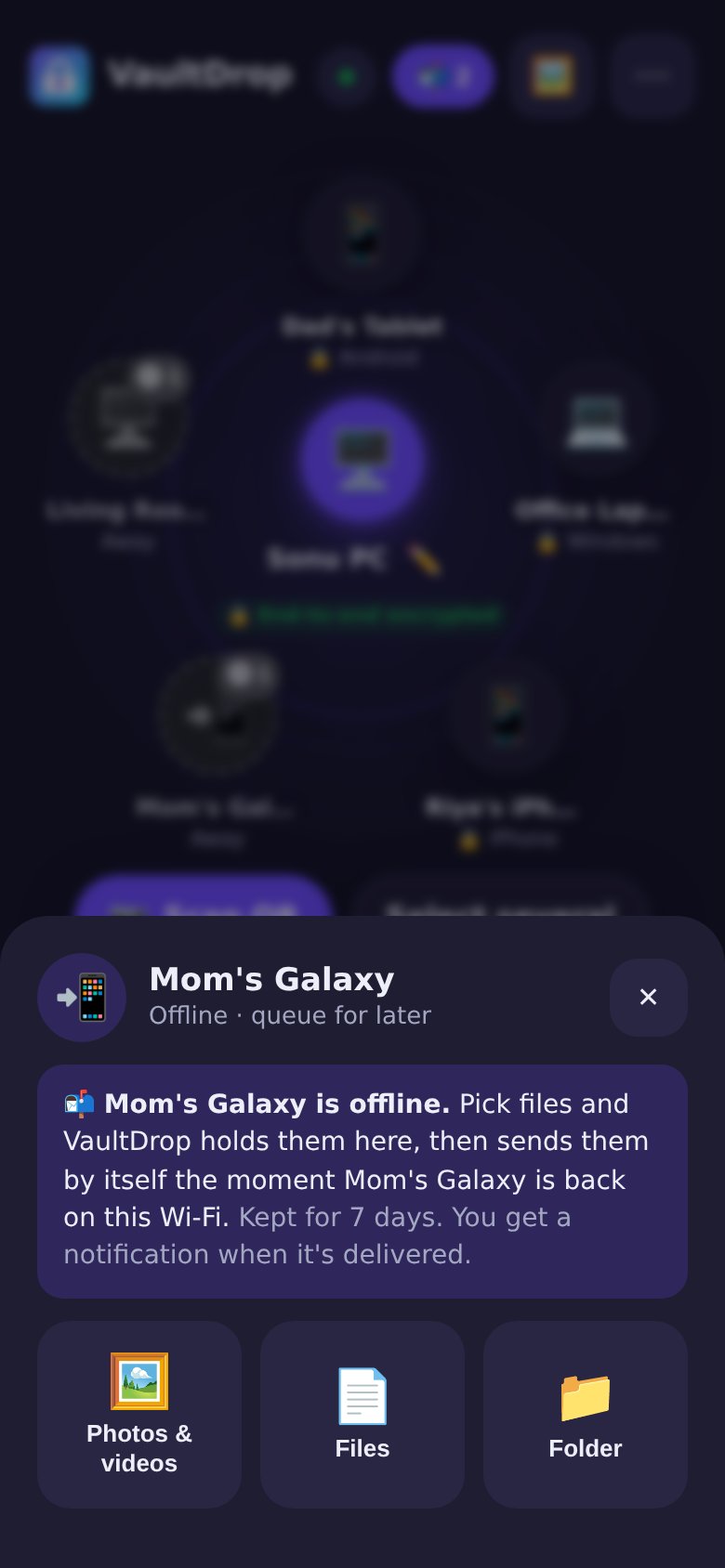
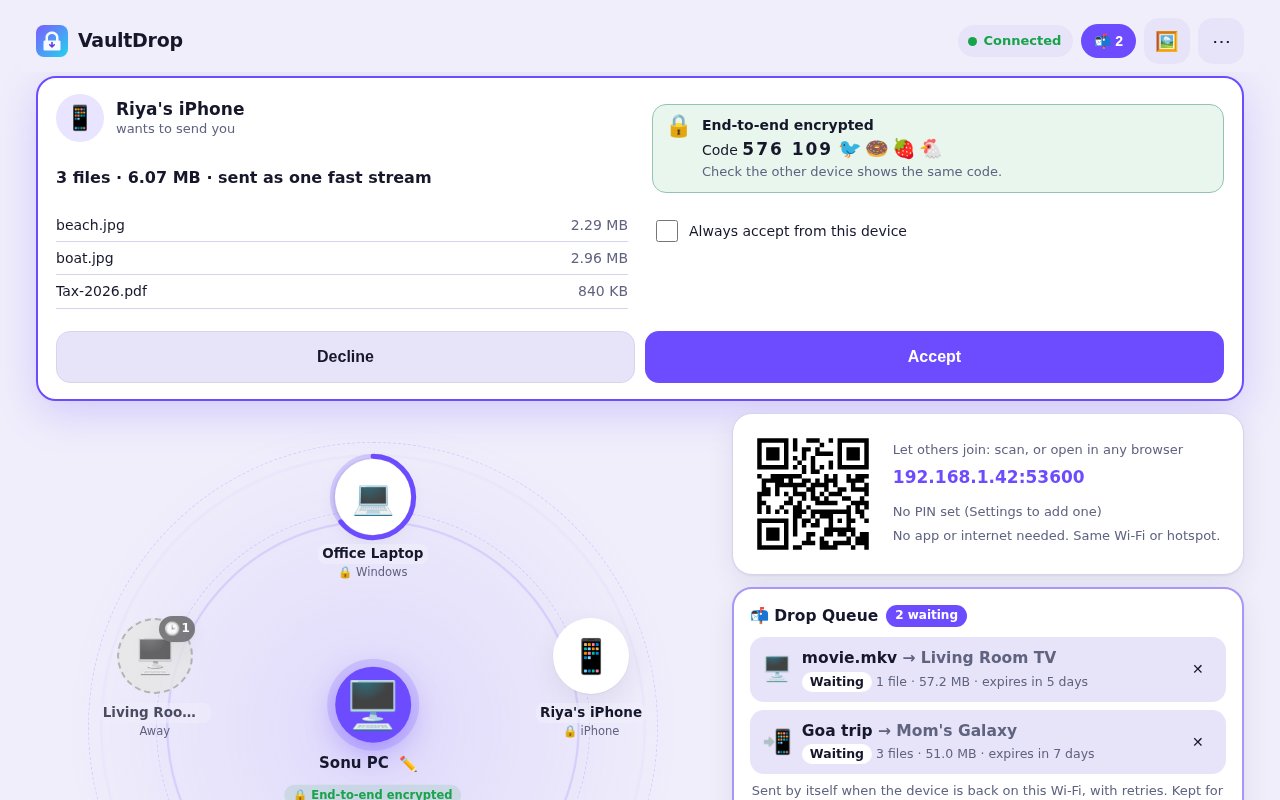
Send to a device that's off or away. Drop files on its greyed-out bubble and VaultDrop holds them, then sends them by itself the moment that device is back on the same Wi-Fi. The queue survives restarts, retries on its own, shows waiting / sending / delivered ✅ for each item, and drops anything not delivered after 7 days (you can change that).
✨
Radar home, one screen
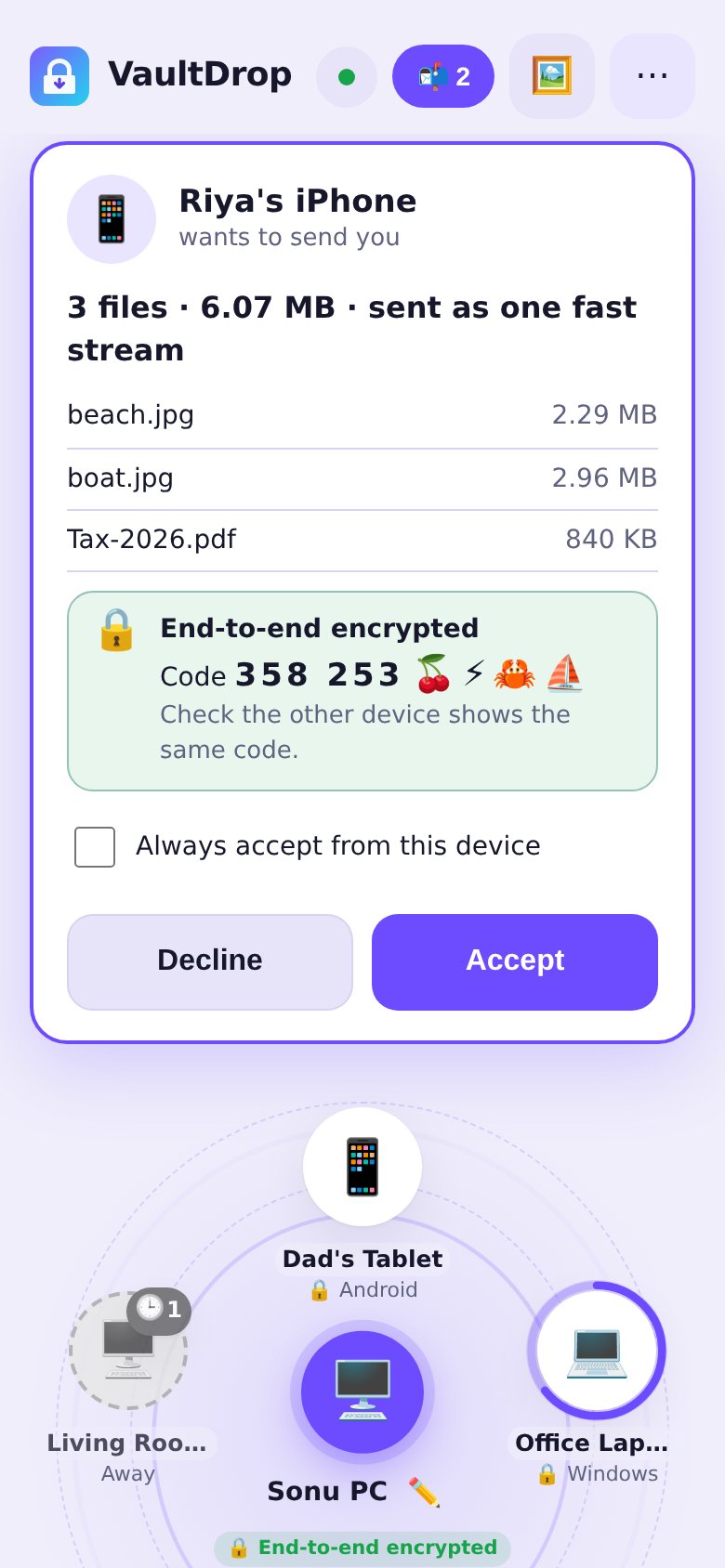
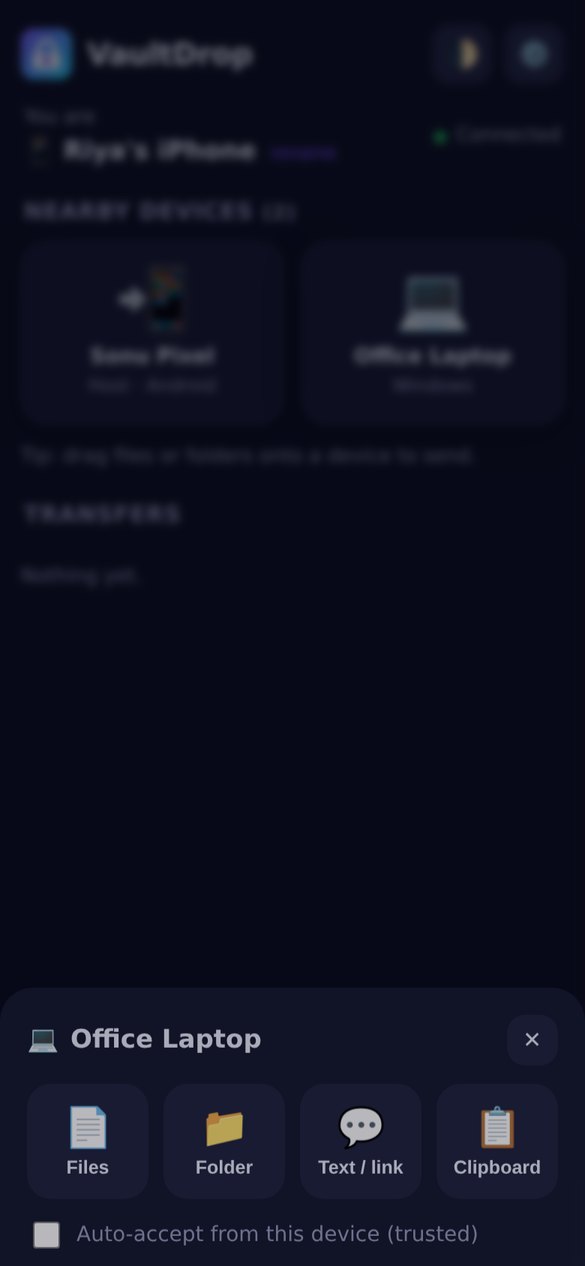
Open the app and nearby devices appear as bubbles around you. Tap a bubble to send, long-press for options, or drag files onto it on PC. Incoming files show as a card you accept right there (no pop-ups), and a progress ring with a ✅ runs around the bubble. Auto dark/light, and on Android 12+ it uses your phone's own colour (Material You).
📦
Share apps
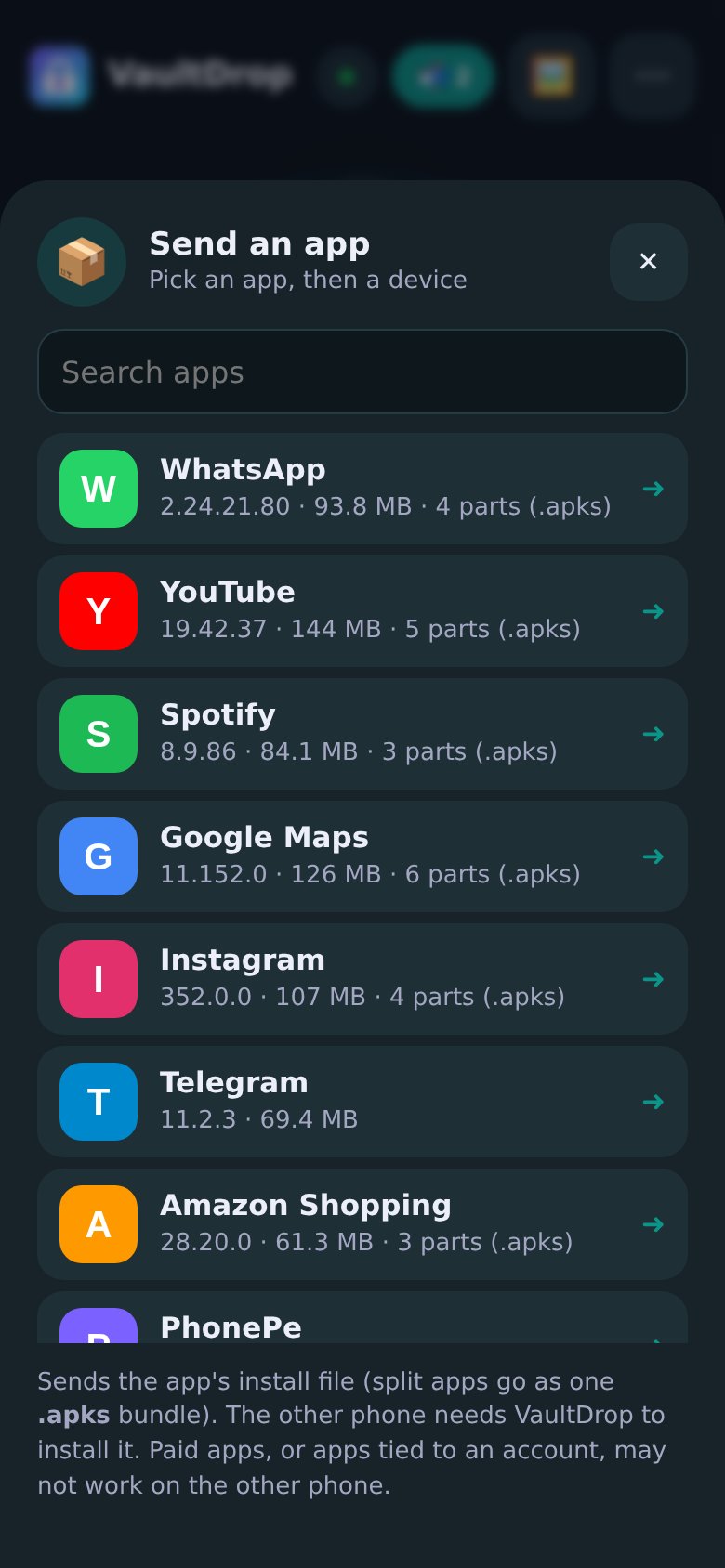
In the Android app, open ⋯ More → Apps, tap an installed app and it goes to another Android phone. Apps that come in several parts are sent as one .apks bundle, and the other phone gets an Install button. Android asks for "Install unknown apps" only when you tap Install. Paid apps, or apps tied to an account, may not work on the other phone.
Radar home: tap a bubble to sendDrop Queue: sends when they're backShare installed apps (demo list)
Same design on the phone, Windows (full app and Lite), Android TV and any browser. Rooms, clipboard, Scan QR, hotspot and the save folder are all still there, now in ⋯ More and Settings. v1.5 works with phones and PCs still on 1.4.1, 1.3.1 and 1.1. Browsers that join a host can queue too, while the host app is running.
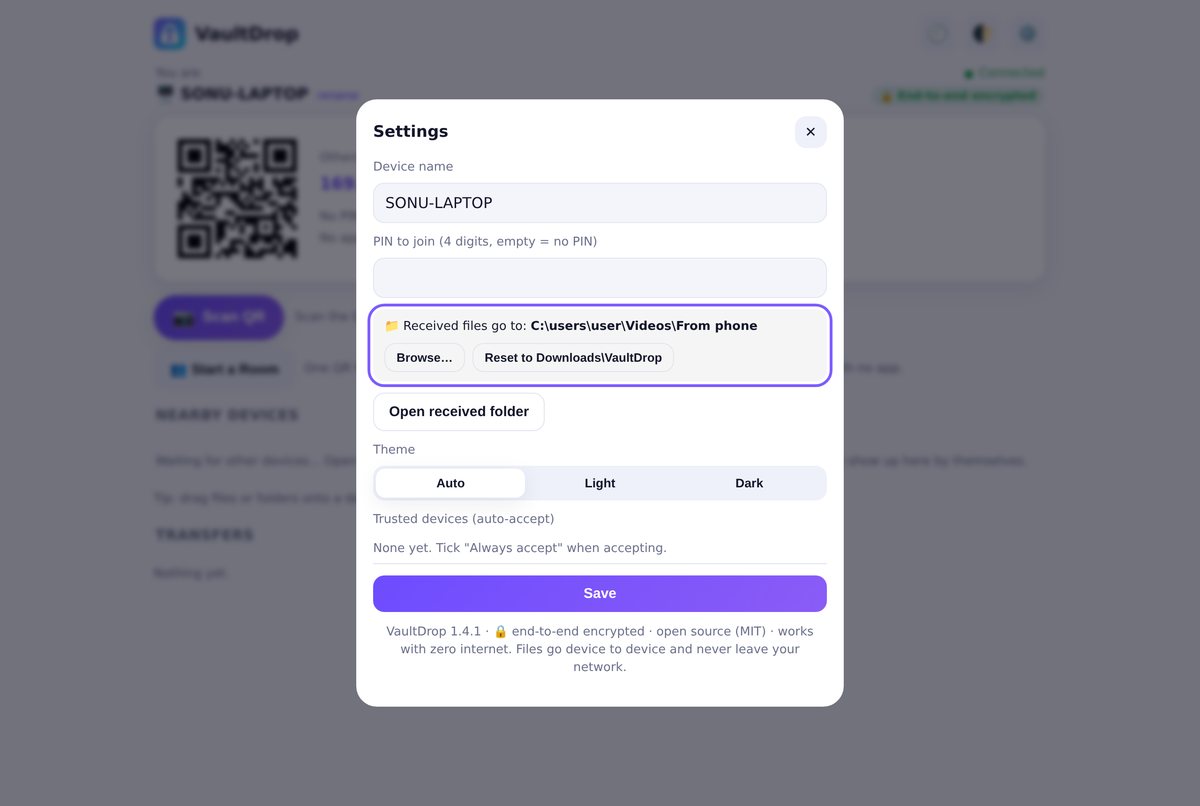
Also new in 1.4.1: choose your save folder 📁
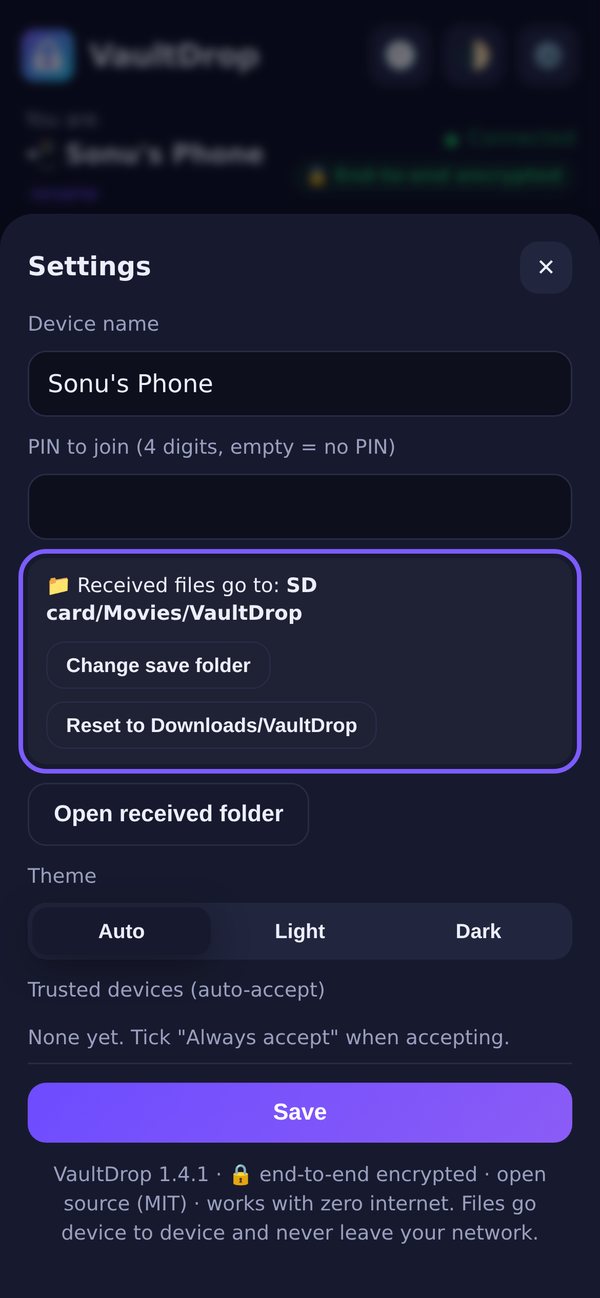
Received files no longer have to go to Downloads/VaultDrop. In Settings, next to Received files go to, tap Change save folder on Android or Browse… on Windows (the full app and Lite) and pick any folder: an SD card, a USB drive, a folder on another disk. Folders you receive keep their subfolders, and Reset to Downloads/VaultDrop puts it back.
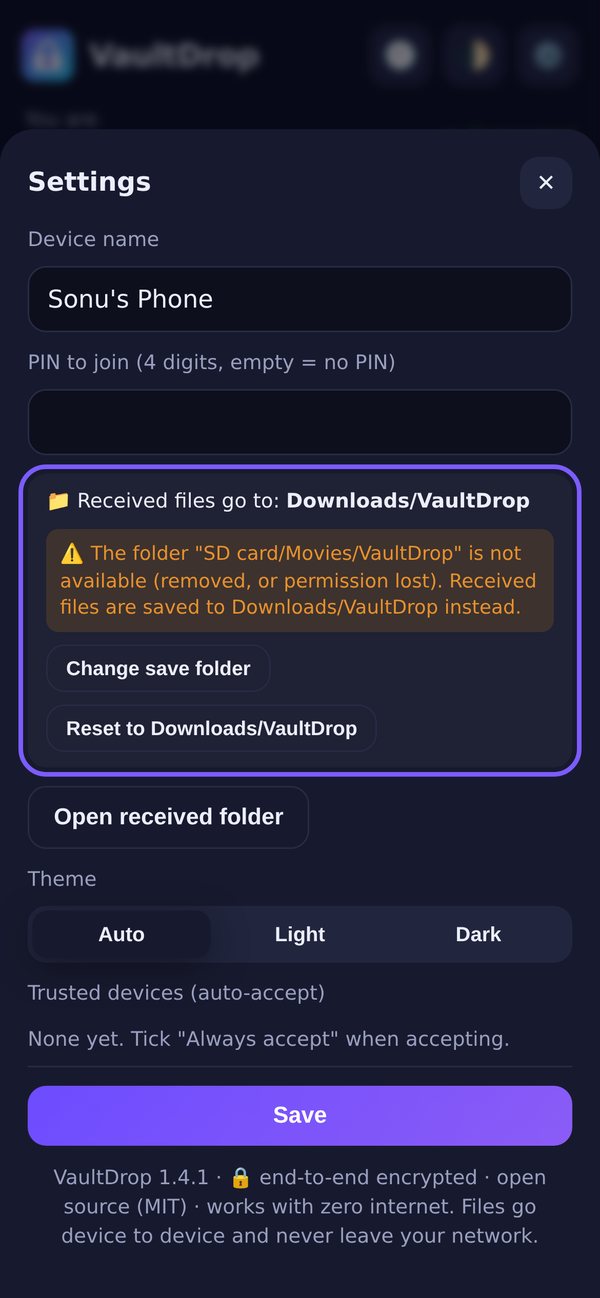
Android: saving to an SD card folderCard removed? Files go to Downloads, with a warningWindows: Browse… to any folder
Android uses its own folder picker, so this needs no new permission. If the folder goes away (card taken out, drive unplugged), nothing is lost: files go to Downloads/VaultDrop and the app tells you; when the folder is back, it's used again. Only the device itself can see or change its folder, never the other phones on the network.
What's new in v1.4: Clipboard 📋 and Rooms 👥
Copy on your PC, paste on your phone. And send one file to a whole room of phones at once, no app needed on theirs.
📋
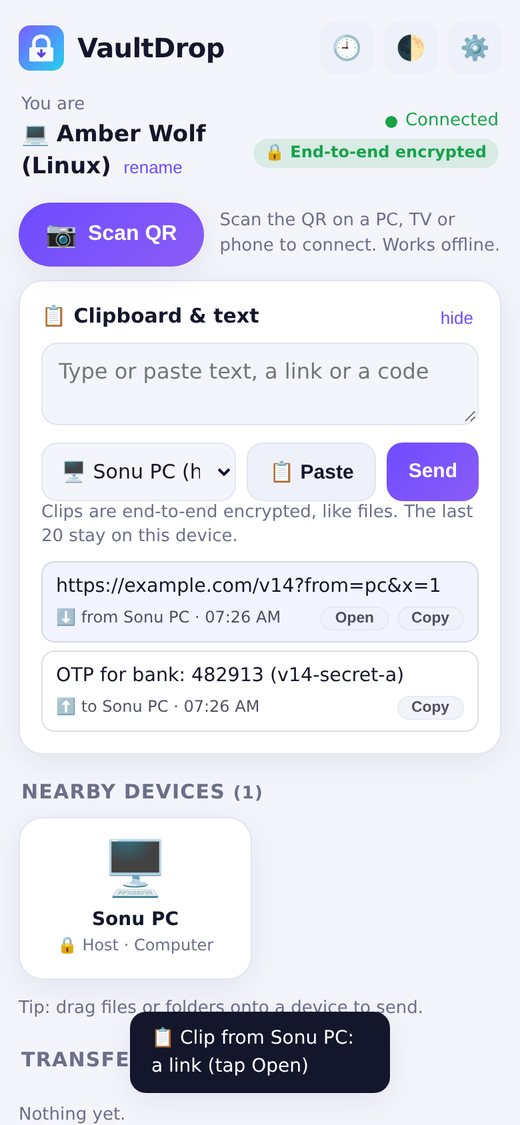
Clipboard between PC and phone
Send text, links, OTP codes and notes. Copy something on your PC and it's on your phone's clipboard, with a notification; links get an Open button. The last 20 clips are kept, end-to-end encrypted like your files.
👆
Phone → PC in one tap
Tap 📋 Send clipboard on VaultDrop's notification, use the Quick Settings tile, or Share → Send text to PC from any app. On the PC, auto-send is off until you turn it on, and only for devices you trust.
👥
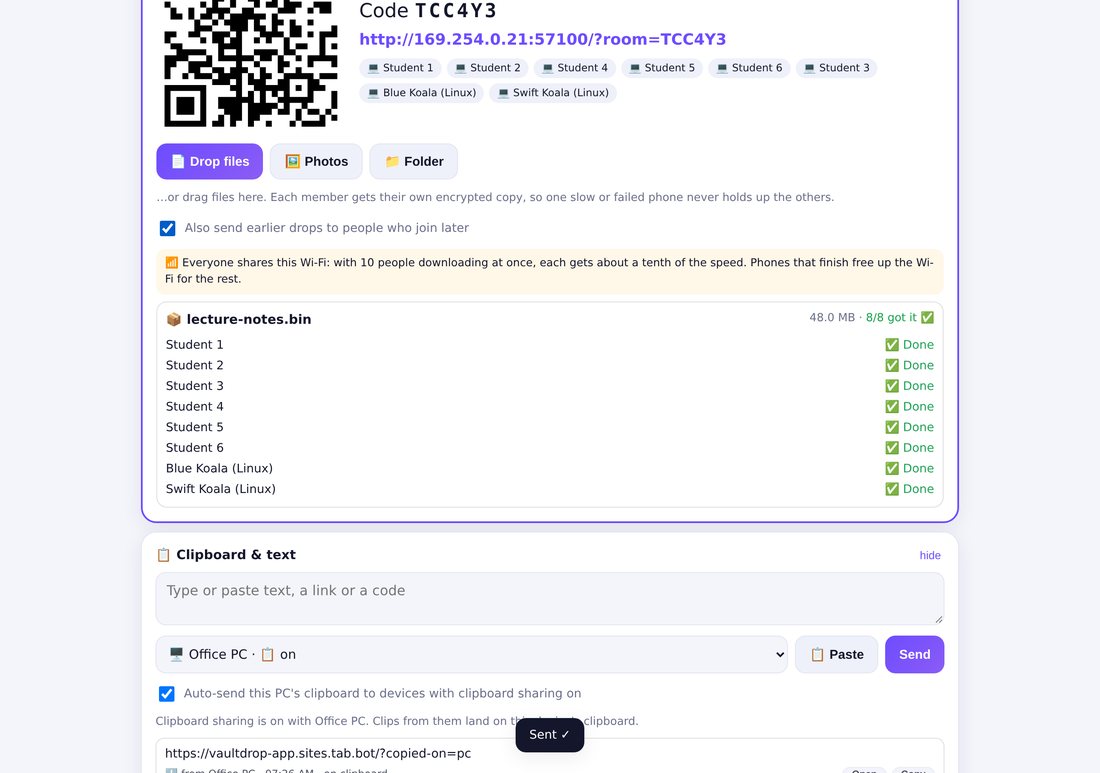
Rooms: send to everyone
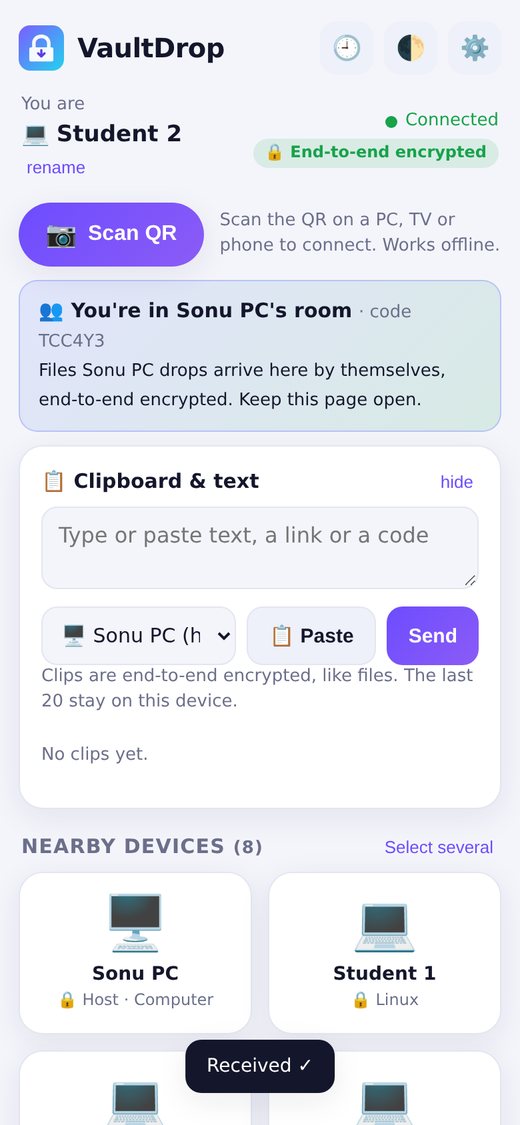
Tap Start a Room: a big QR and a 6-letter code. Friends scan it in their browser, no install. Drop files once and everyone gets them, each separately encrypted, with a live ✅ / % / ❌ Retry list and auto-send for people who join late.
Clipboard on the phoneA Room: who got itJoined from a browser
Everyone in a Room shares the same Wi-Fi, so with 10 phones each one gets roughly a tenth of the speed. Rooms and clips stay on your network: no internet relay. Android only lets the app in front read the clipboard, so sending from the phone always takes one tap.
What's new in 1.3.1: Scan QR 📷
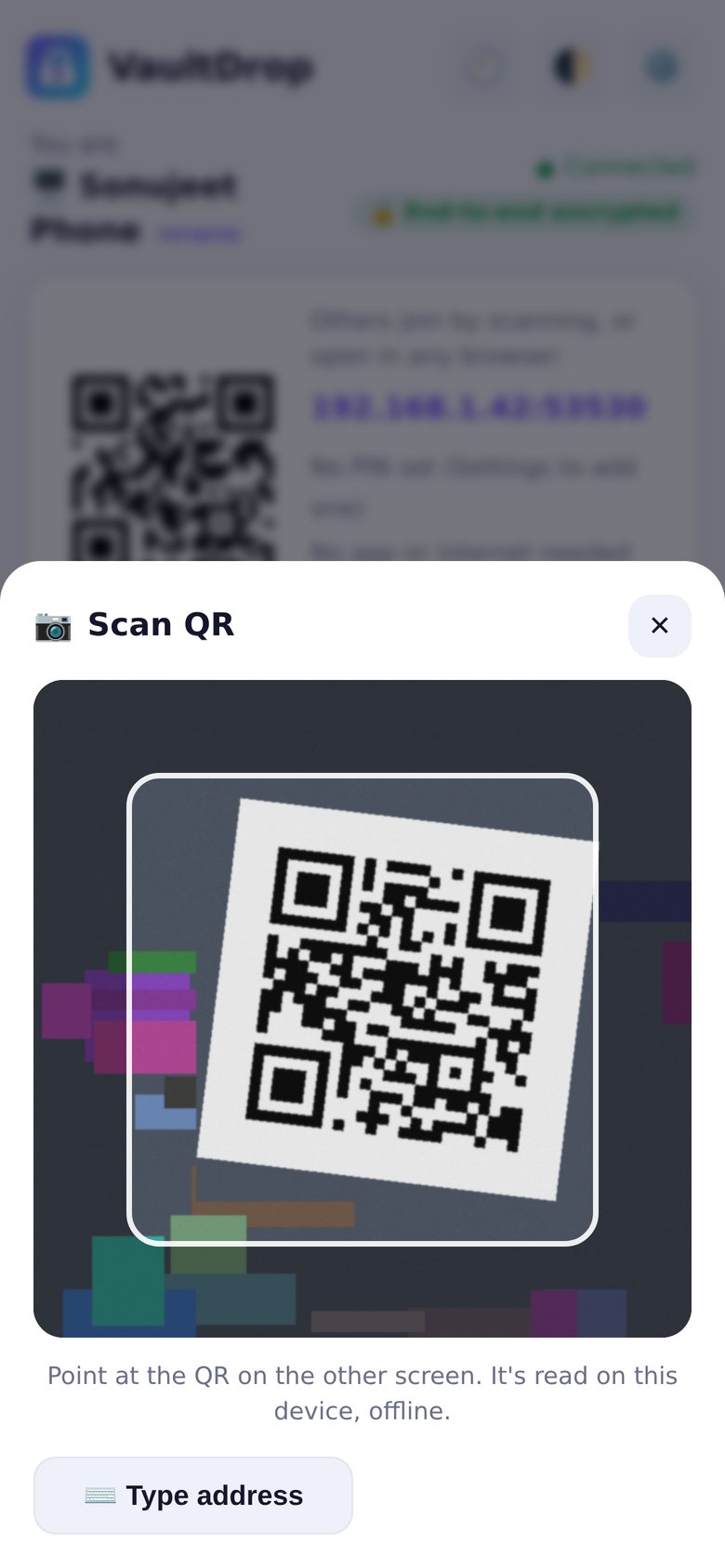
A Scan QR button right in the app: point it at the QR on a PC, TV or another phone and you're connected. It works fully offline, with no internet and no Google download. The QR reader is built into VaultDrop.
🔗
Scan to connect
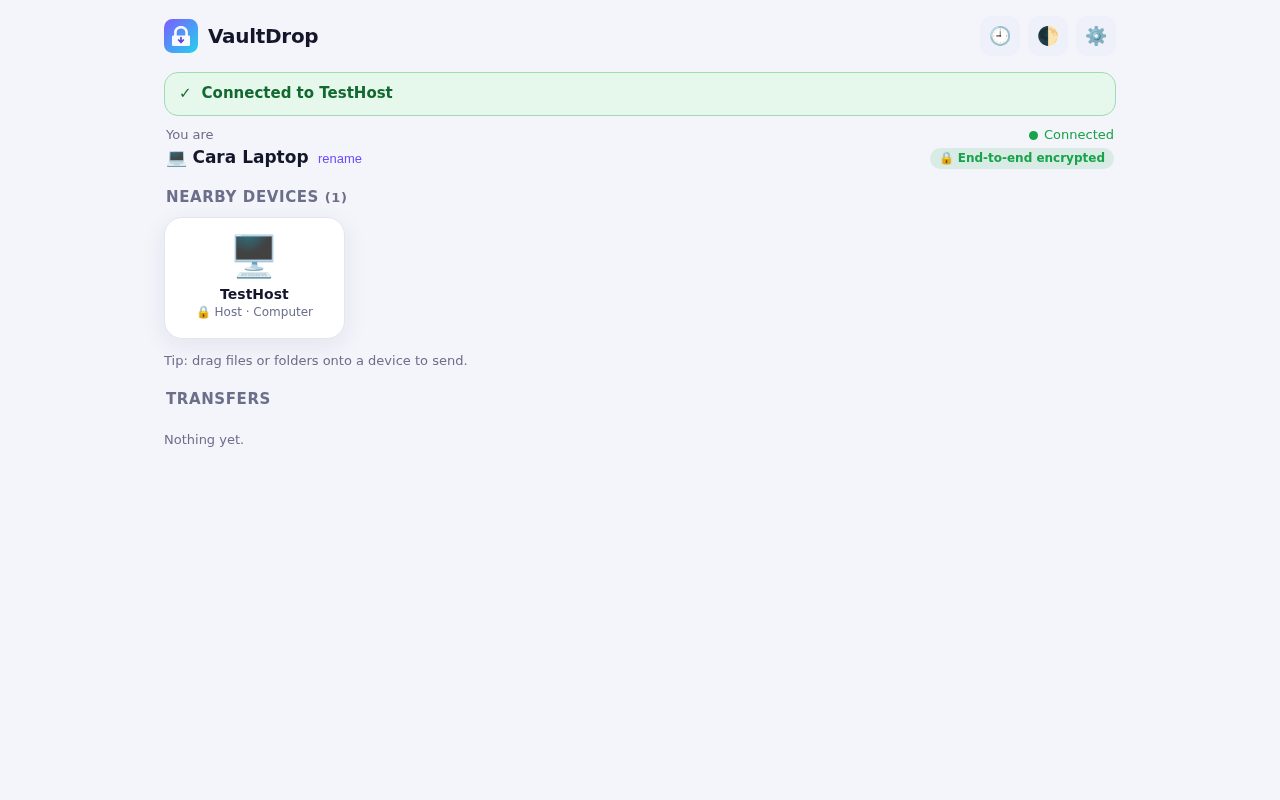
Scan the VaultDrop QR on the other device and it shows up in your devices, ready to send to, with its PIN filled in. It's remembered, so next time it reconnects by itself.
📶
Scan the hotspot's Wi-Fi QR
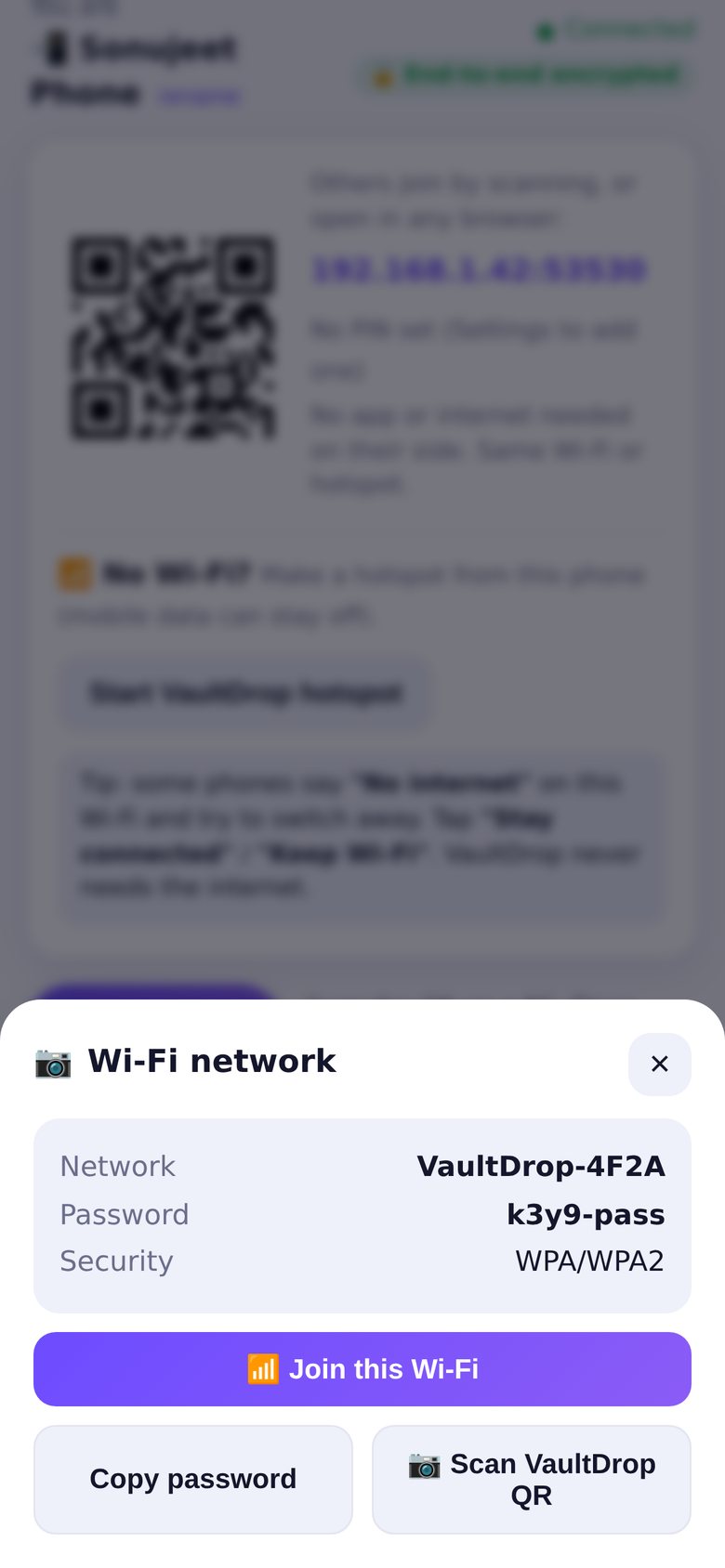
Scan the Wi-Fi QR on the VaultDrop hotspot screen and tap Join this Wi-Fi. Then scan the VaultDrop QR. Any other QR just shows its text with Copy.
🔒
Camera only when you tap
VaultDrop asks for the camera only when you tap Scan QR, and nothing is recorded or sent. Don't want to allow it? Type the address instead. Torch button for dark rooms. TVs without a camera don't show the button.
Scan QR on the main screenPoint at the other screenWi-Fi QR → Join this Wi-Fi
On the PC apps (Windows and Lite) the button uses the webcam. In a phone's browser on a local http:// address, browsers don't allow the live camera, so the button reads a photo of the QR instead (still offline).
What's new in v1.3: Android TV 📺
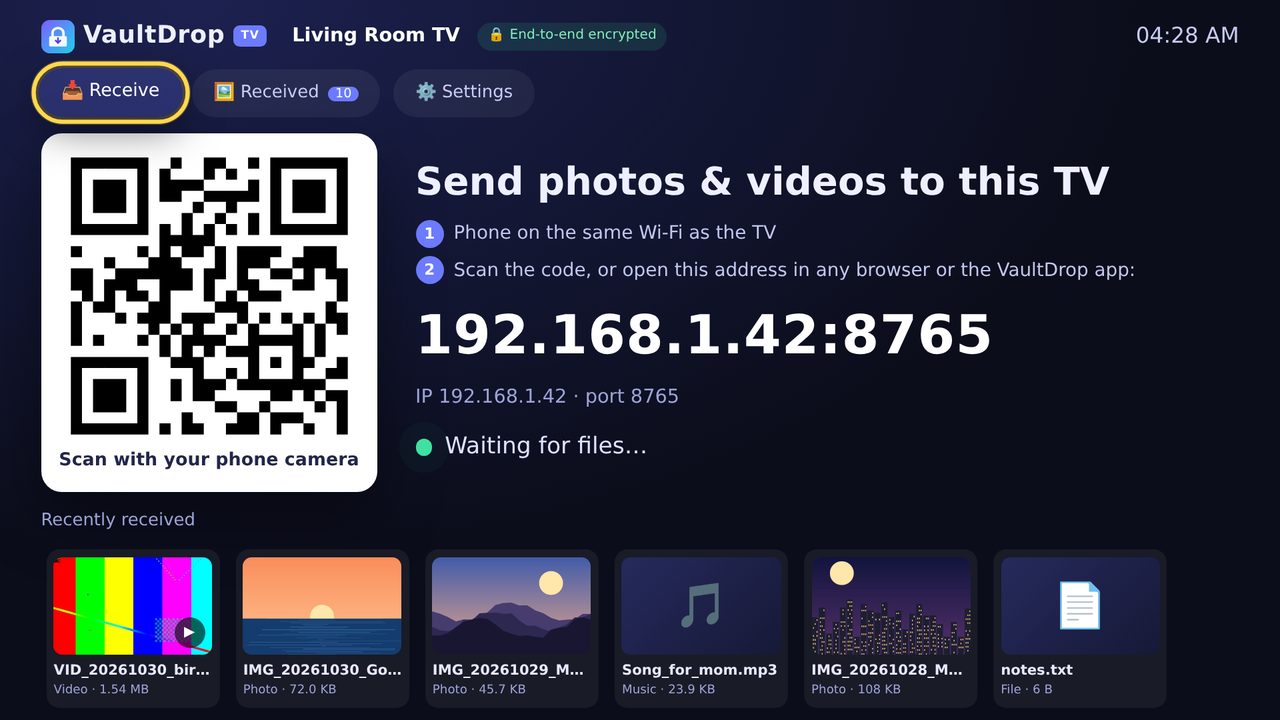
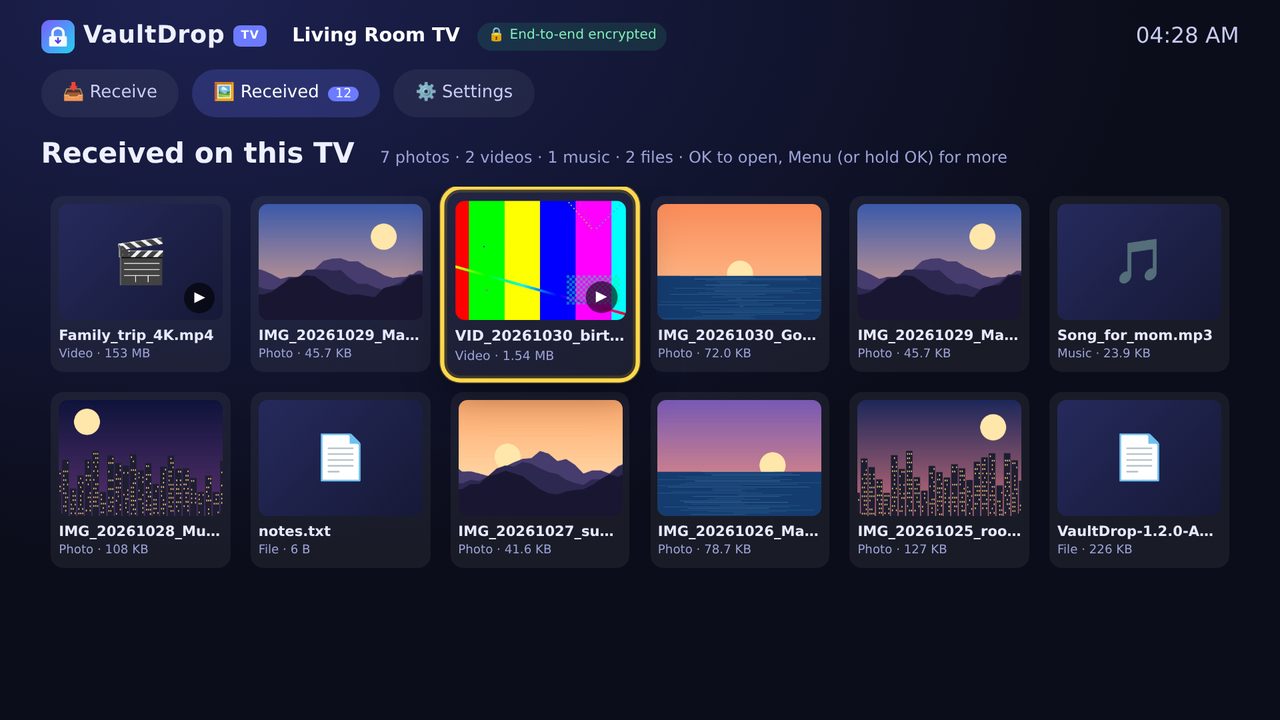
The same Android app now runs on Android TV and Google TV. Open VaultDrop on the TV, scan the big QR code with your phone, and send photos and videos straight to the TV, then play them there with the remote.
🏠
On the TV home screen
VaultDrop shows up in the TV's apps row with its own banner. One APK for phones and TVs (Android 8+).
📲
Scan, send, watch
A big Receive screen with a QR code, the address in large text and live progress. Received photos open as a fullscreen slideshow (◀ ▶ on the remote), videos and songs play in the TV's own player, other files get "Open with…".
🎮
Made for the remote
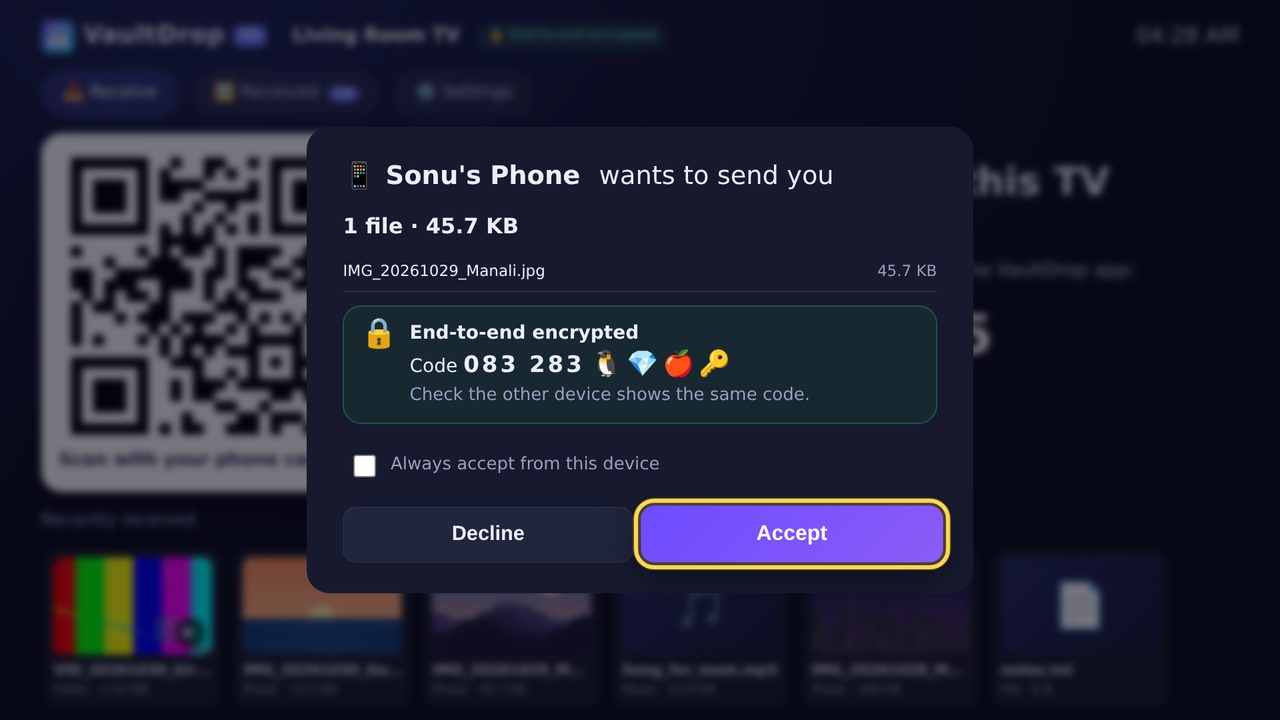
Everything works with the D-pad and OK, with big focus highlights. Incoming files get large Accept / Decline buttons, and devices you trust are accepted automatically. Hotspot and Wi-Fi Direct are hidden on TVs that can't do them; the TV receives over your normal Wi-Fi.
Received on the TV, opened with the remoteAccept with one press of OK
🐞
Also fixed in v1.3: "Waiting for accept…"
When the phone or PC app sent files to a device using VaultDrop in its browser, the sender could keep showing "Waiting for accept… 0%" while the other side was already receiving. It now switches to "Sending" right away and shows live % and MB/s, then "Sent ✓". Fixed in the Android app, the Windows app and Lite; update the sending device.
Install VaultDrop on your TV (3 ways)
Downloader app: install the free Downloader app (by AFTVnews) from the TV's Play Store, open it and type vaultdrop-app.sites.tab.bot/VaultDrop.apk, then Install. Allow "Install unknown apps" for Downloader when the TV asks.
USB stick: download the APK on a computer, copy it to a USB stick, plug it into the TV and open it with a file manager (for example File Commander or X-plore), then Install.
From your phone with VaultDrop: open VaultDrop on your phone. On the TV, open a web browser (for example TV Bro) and type the address your phone shows. On the phone, send the VaultDrop APK (from your Downloads) to the TV, save it on the TV and open it to install. After that, updates can go phone → TV inside VaultDrop.
Built and tested on a computer (the TV screen rendered at 1920×1080 and driven with arrow keys), but not yet tested on a real TV. If something looks off on yours, tell us the TV model.
Also new: v1.2
Faster and smoother everywhere. Update both apps; browsers get it automatically from the app. Works together with v1.1.
⚡
3–10× faster encryption in phone browsers
Pages opened from http:// now encrypt with a built-in WebAssembly AES-GCM engine, spread over background workers. On our test laptop: 24 → 70 MB/s on one core, up to 249 MB/s with 4 workers (decrypt 27 → 81 MB/s). Same encryption and format as v1.1; falls back automatically on old browsers.
📦
500 photos in one go
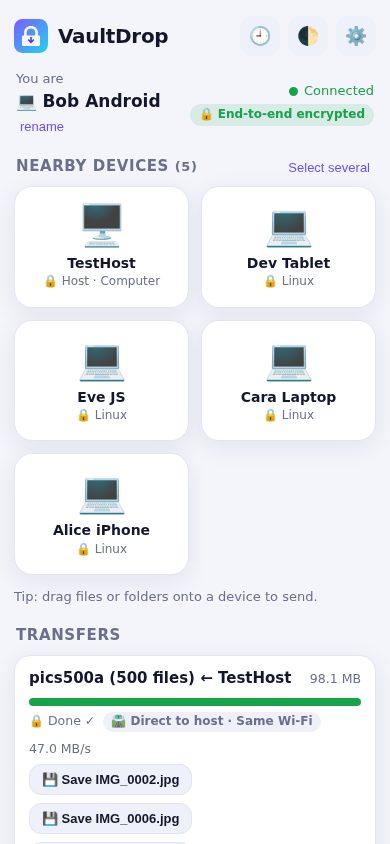
Lots of small files now travel as one encrypted stream instead of one by one, and land as separate files with their folders kept. 500 photos (103 MB) to a computer: 5.6 s → 0.5 s. Every file is checked, and a dropped transfer resumes where it stopped. Browsers get a "Save all as one ZIP" button.
🔋
Keeps going in the background
Android shows a live notification with progress, speed, time left and a Cancel button, and keeps Wi-Fi at full speed and the phone awake only while a transfer runs. Windows keeps sending when minimised or closed to the tray, with progress on the taskbar.
🔁
Auto-reconnect
No more re-scanning the QR. Devices remember each other and reconnect by themselves after a restart, even when the Wi-Fi gives the phone a new address. You see "Reconnecting…" then "Connected".
🧭
Smart route + live speed
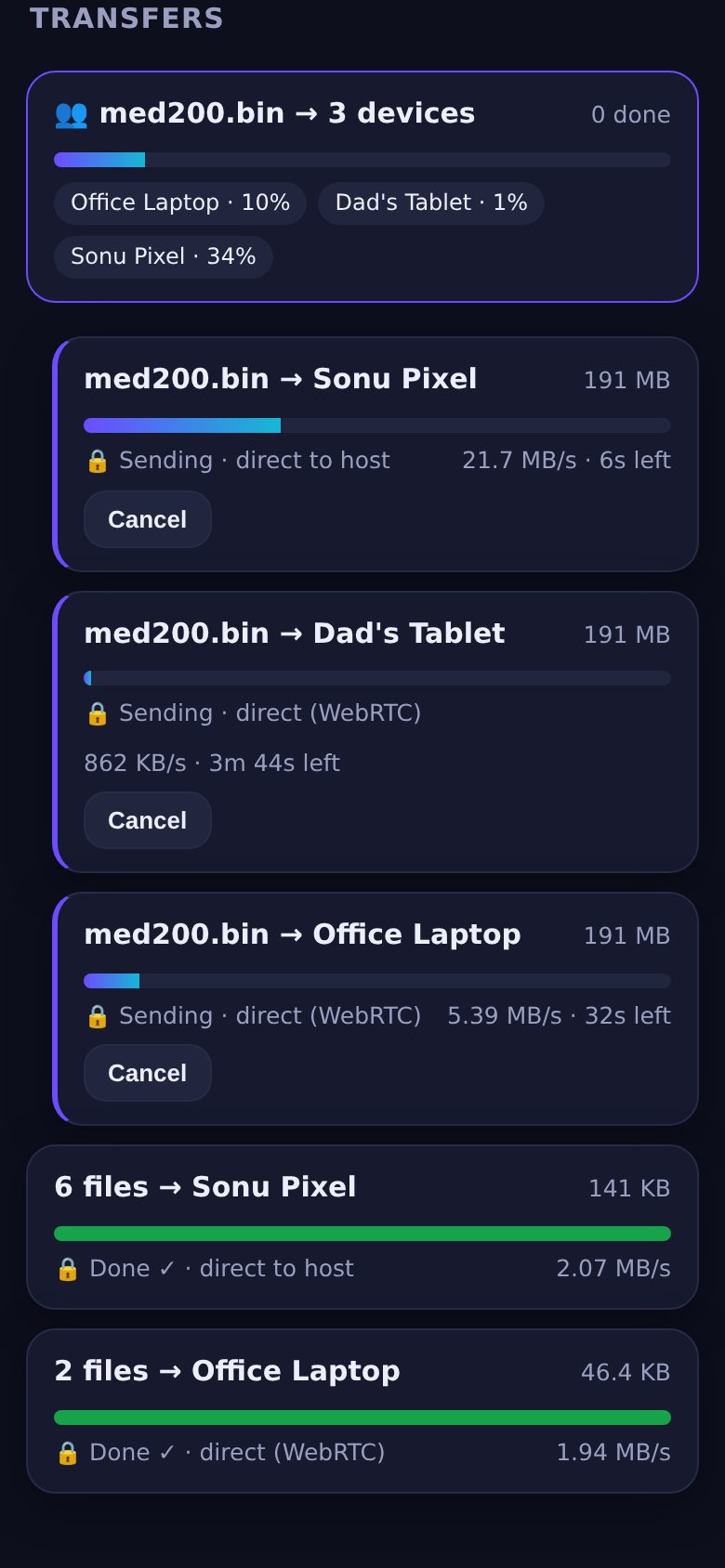
VaultDrop picks the fastest working path: Wi-Fi Direct, hotspot, same Wi-Fi, direct browser link or relay. If one fails mid-transfer it switches by itself. Every transfer shows its route and live MB/s.
🤝
Works with v1.1
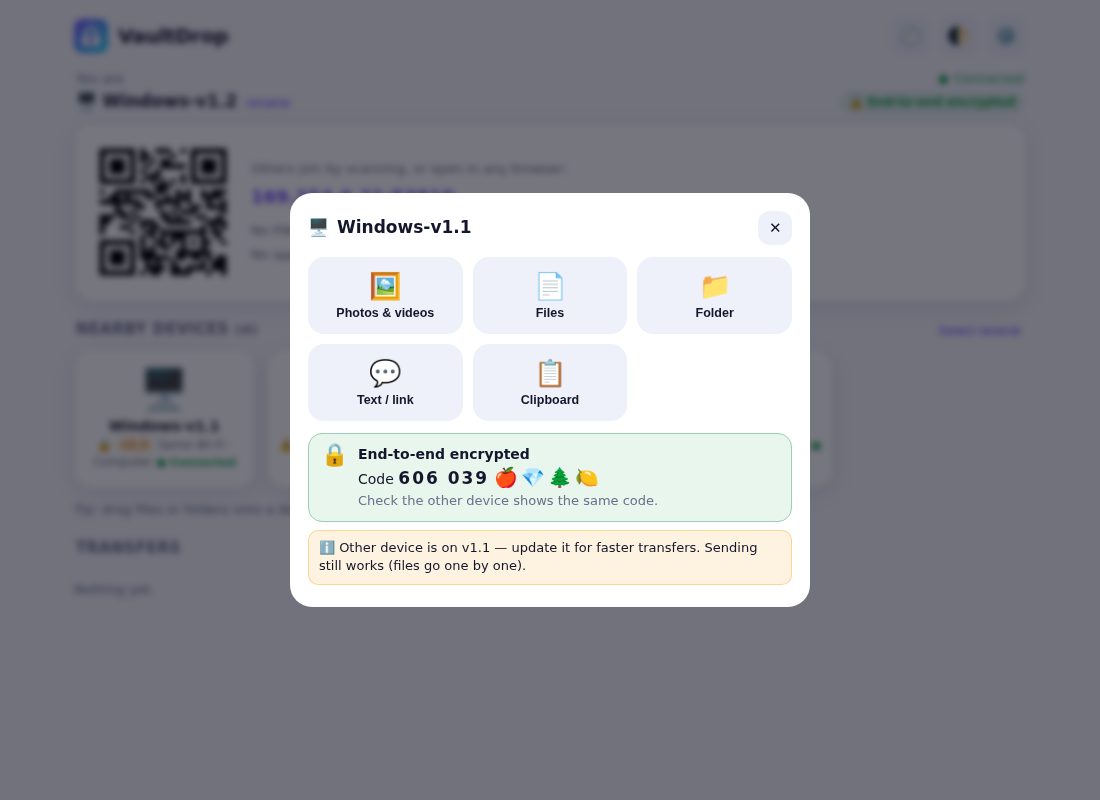
A v1.2 phone and a v1.1 PC (or the other way round) still send to each other, encrypted, in both directions. The older device gets files one by one, and VaultDrop shows a gentle "update for faster transfers" hint. v1.0 devices stay blocked (no encryption) with a clear "update to 1.1+" message.
Also in VaultDrop (since v1.1)
End-to-end encryption and the v1.1 features are all still there.
🔒
End-to-end encryption
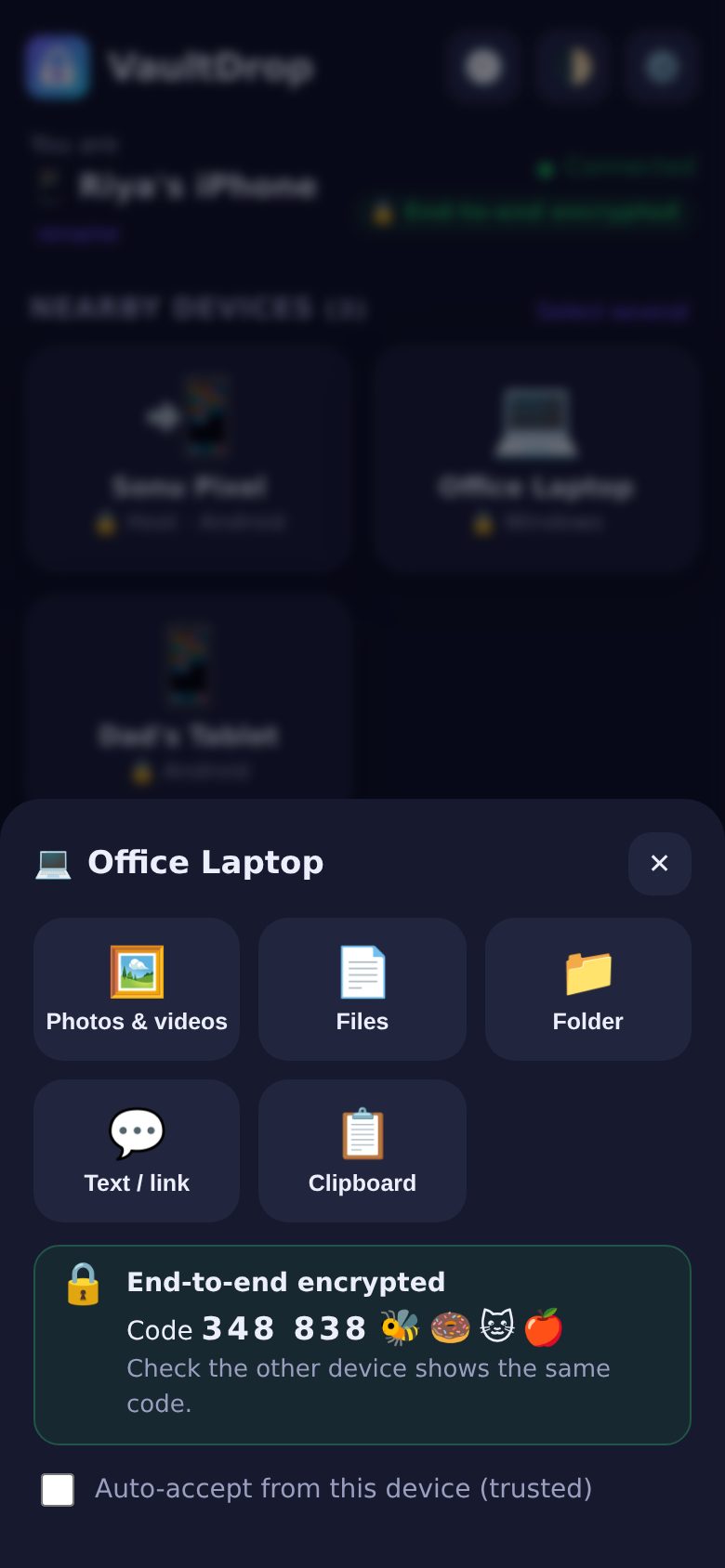
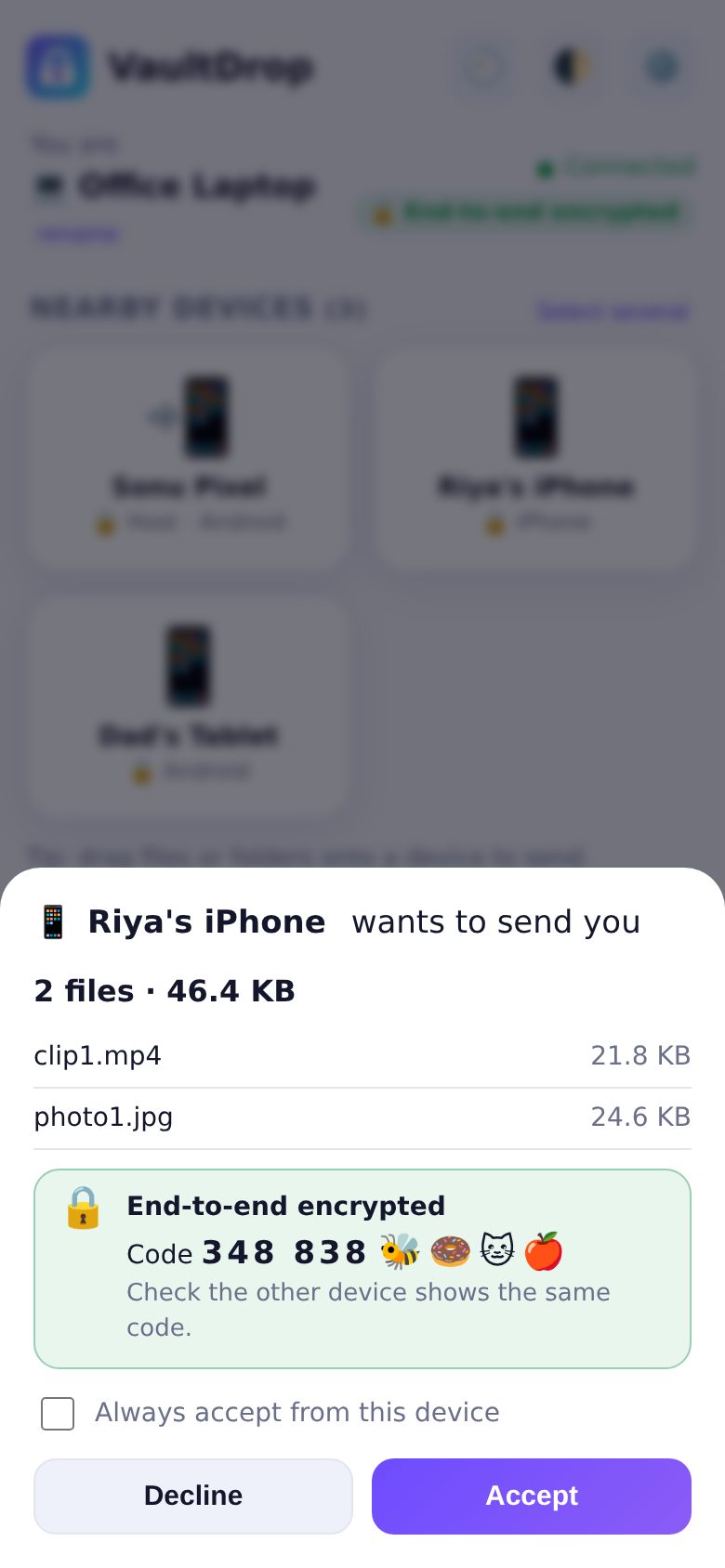
Every file and message is sealed on the sending device and opened only on the receiving one, on every path: app, browser, WebRTC and relay. ECDH P-256 + AES-256-GCM. Both screens show the same 6-digit code and emoji, so you can check nobody is in the middle. Tampered data is rejected, never saved.
👥
Send to many at once
Tap "Select", pick several devices, send once. Each device gets its own progress bar, and if one declines or drops, the others carry on.
🖼️
Photo & video picker
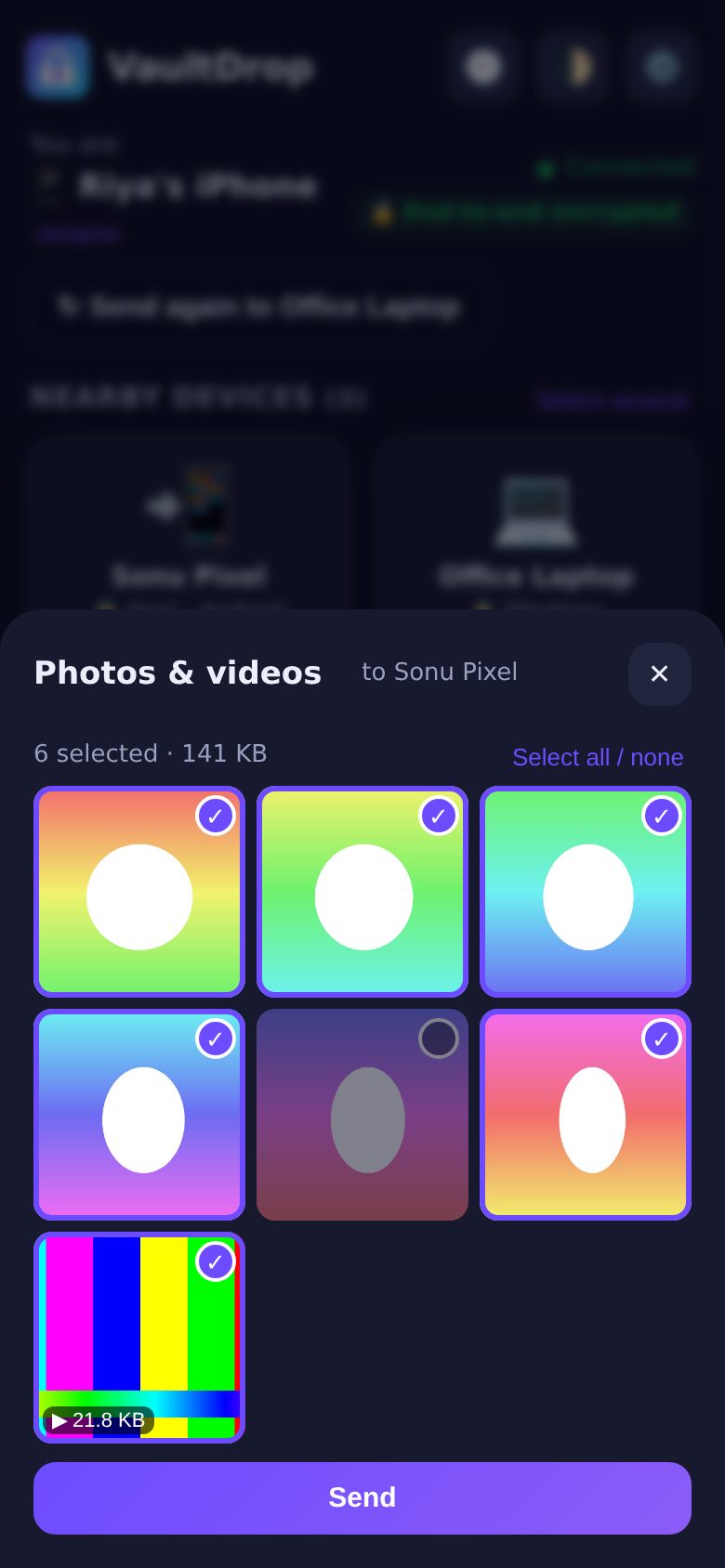
Android uses the system Photo Picker (multi-select). In browsers you see a thumbnail grid and can untick anything before sending.
🕘
Transfer history
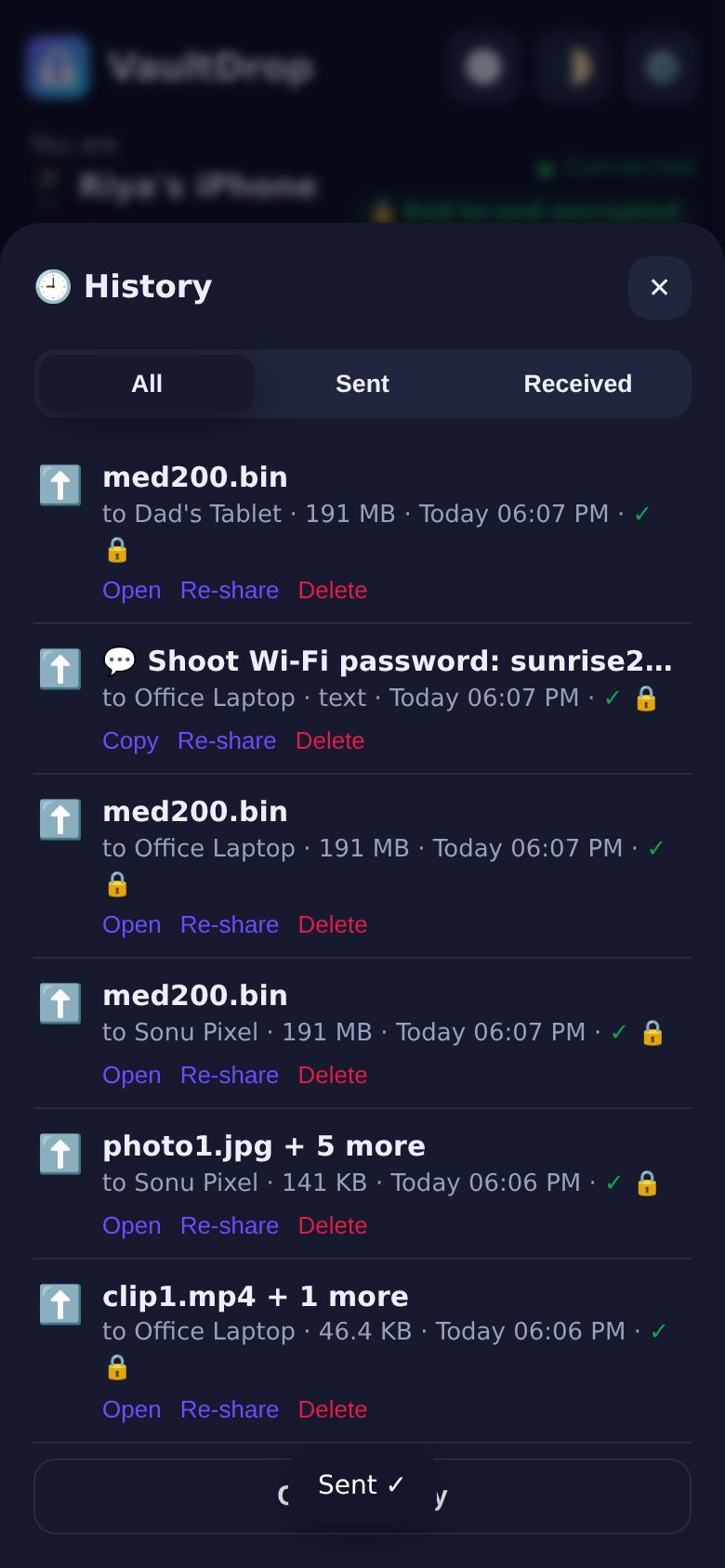
Everything sent and received, with device, size and time. Open, re-share or delete entries, or clear it all. Kept after a restart.
📡
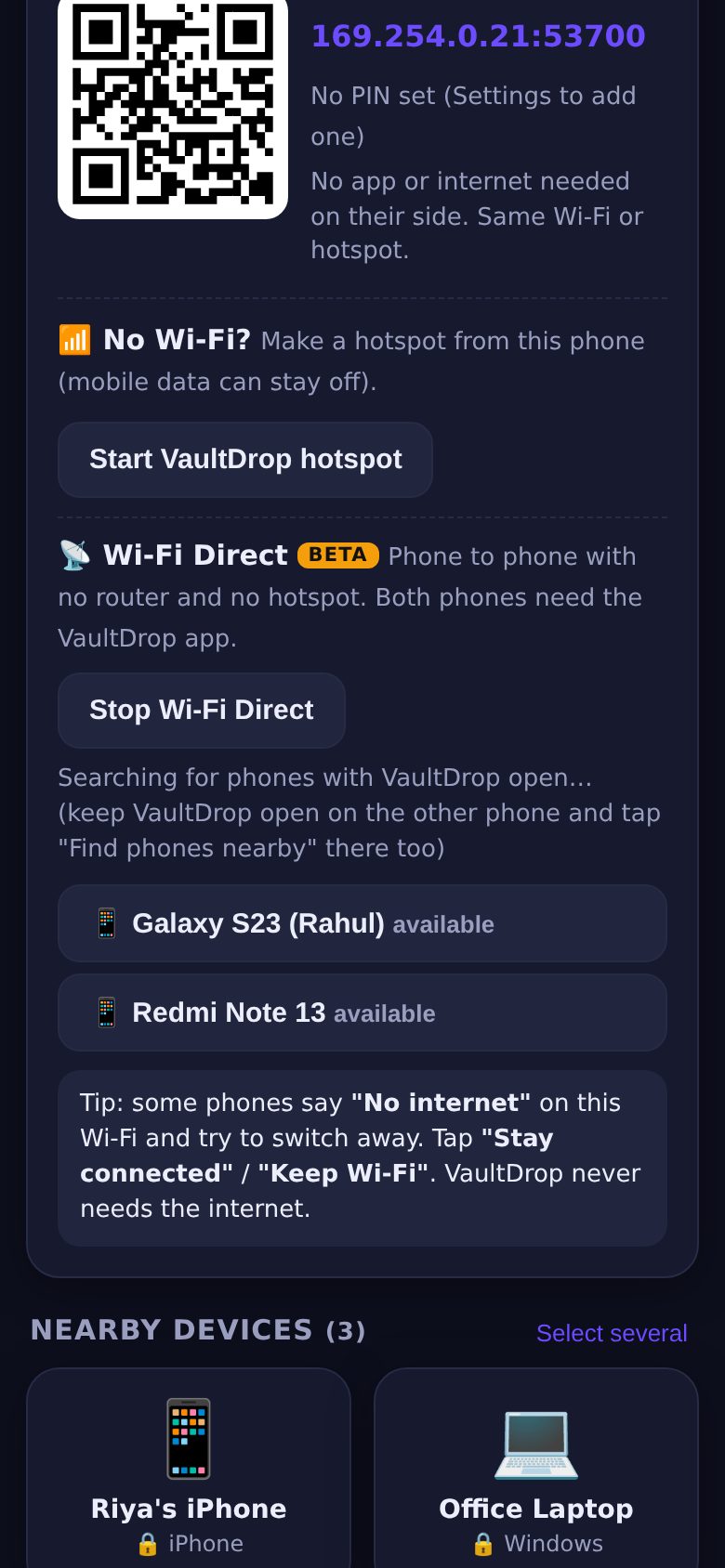
Wi-Fi Direct BETA
Android to Android with no router and no hotspot. If it can't connect, VaultDrop falls back to the hotspot or Wi-Fi by itself. Not yet tested on many phones, so it's marked beta.
How it works
One device runs the VaultDrop app. Everyone else just opens it in their browser.
📲
Open the app
On Android or Windows. It shows a QR code and a short address like 192.168.43.1:53530. Apps on the same network find each other by themselves.
📷
Scan to join
iPhone, Mac, Linux, any browser: scan once and the device is remembered. No account, no install. Optional 4-digit PIN.
⚡
Tap a device, send
Files go device to device: app-to-app over direct parallel streams, browser-to-browser over encrypted WebRTC. If a transfer drops, it resumes where it stopped.
No Wi-Fi? Use a mobile hotspot
Works with mobile data OFF. Nothing goes over the internet, so it costs 0 MB.
Start the hotspot
In the VaultDrop Android app tap Start VaultDrop hotspot, or turn on your normal hotspot in Settings. VaultDrop picks the right address automatically.
Scan the Wi-Fi QR
Friends scan the Wi-Fi QR to join in one go. If their phone says "No internet", tap "Stay connected".
Scan the VaultDrop QR
Then they scan the VaultDrop QR (or type the address) and start sending. That's it.
Everything you need
Built for daily use between mixed devices.
📁
Files & whole folders
Multiple files and folders, drag & drop on desktop, with progress, speed and time left. Photos and videos go as-is, never compressed.
✅
Accept or decline
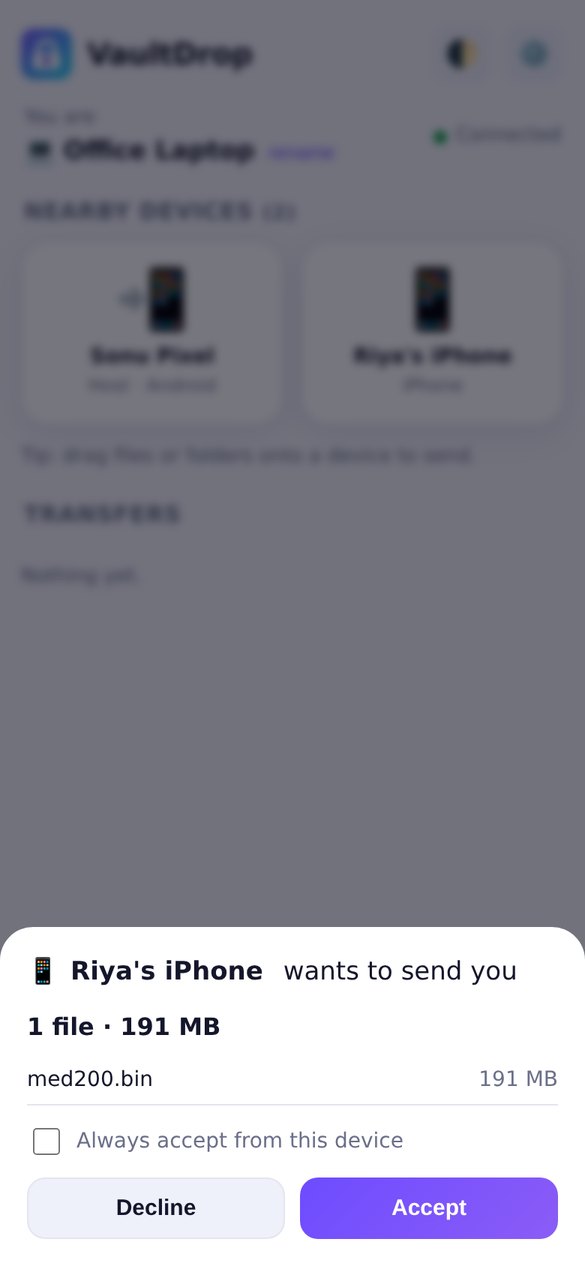
Every transfer asks first. Mark devices as trusted to auto-accept. "Send again" repeats the last send in one tap.
💬
Text, links, clipboard
Send a password, a link or your clipboard. Links open with one tap on the other side.
📤
Share sheet & right-click
Android: Share → VaultDrop → pick a device. Windows: right-click a file → Send with VaultDrop.
🔒
Private by design
No cloud, no login, no file browsing. End-to-end encrypted with verification codes, random session tokens, optional PIN. Files stay on your devices.
🌙
Dark mode, any screen
Looks right on a phone and on a big desktop window, in light or dark.
Screenshots
New: route + live speed on every transferNew: 500 photos received in one goNew: Windows app, app-to-app routeNew: works with v1.1, with an update hintNew: reconnected by itself after an IP changeNew: encrypted, with a verification codeSame code on the receiving laptopNew: send to 3 devices at onceNew: photo & video pickerNew: transfer historyNew: Wi-Fi Direct (beta) in the Android appAndroid app: join QR + hotspot QRTap a device to sendAccept or decline (light mode)Live speed and time leftFiles and text receivediPhone browser, no install
Download VaultDrop 1.5
Free and open source (MIT). Check the SHA-256 if you like.
Android (phone + TV)
Android 8 or newer · 449 KB · version 1.5.2 One APK for phones and Android TV / Google TV. Installs over 1.5.1, 1.5.0, 1.4.1, 1.4.0, 1.3.1, 1.3, 1.2, 1.1 and 1.0 as an update (same signature). Installing apps someone sends you asks for "Install unknown apps" for VaultDrop, only when you tap Install. Allow "Install unknown apps" for your browser when asked. On Android 13+ allow notifications to see transfer progress.
Windows 10/11, 64-bit · 113.0 MB · version 1.5.2, installs over 1.5.1, 1.5.0, 1.4.1, 1.4.0, 1.3.1, 1.3, 1.2 and 1.1 Not code-signed yet: on the blue SmartScreen box tap "More info" → "Run anyway". Allow VaultDrop on private networks when Windows Firewall asks.
Windows 10/11, 64-bit · 8.0 MB, portable: one file, nothing to install, just double-click. Same encrypted transfers as the full app and works with every VaultDrop 1.1–1.5 device. Opens in an Edge app window, sits in the tray, saves to Downloads\VaultDrop or any folder you pick (Settings → Browse…). Skips the right-click "Send with VaultDrop" menu. Not code-signed yet: "More info" → "Run anyway".
The Android TV version (1.3) is tested on a computer only: JVM tests, the browser test suite and a 1920×1080 render of the TV screen driven with arrow keys. It is not yet tested on a real TV (remote, the TV's video player and codecs, previews).
Every feature is tested on a computer (browser tests, the Android server code on a JVM, the Windows app on Linux). The Android notification, Wi-Fi/wake locks and Wi-Fi Direct are not yet tested on a real phone; the Windows installer is not yet tested on real Windows. VaultDrop Lite passed the full browser test suite and app-to-app tests with its Linux build, and its real .exe was run under Wine (a Windows layer for Linux), but it is not yet tested on a real Windows PC.
New in 1.5 and not yet tested on a real phone: installing an app someone sent you (Android's installer screen), the Drop Queue keeping share-sheet files readable after a restart, and Material You colours from the phone's wallpaper. They are covered by computer tests (the Android code on a JVM, mock installer, browser tests).
Speeds above were measured on one test machine over loopback; your Wi-Fi decides the real number.
Roadmap
Wi-Fi Direct out of beta after testing on real phones
Test the TV app on real Android TV / Google TV models
Saving very large files straight to disk in browsers, optional HTTPS mode